WAC
Samsung WAC Interactive Whiteboard
Samsung interactive display WAC series offers a dynamic, engaging experience designed for the classroom of the future; a variety of screen mode options, including split screen mode and multi-window mode, enables users to easily present and multitask; up to nine screens can be shared simultaneously. Sizes: 65", 75" and 86".
Samsung
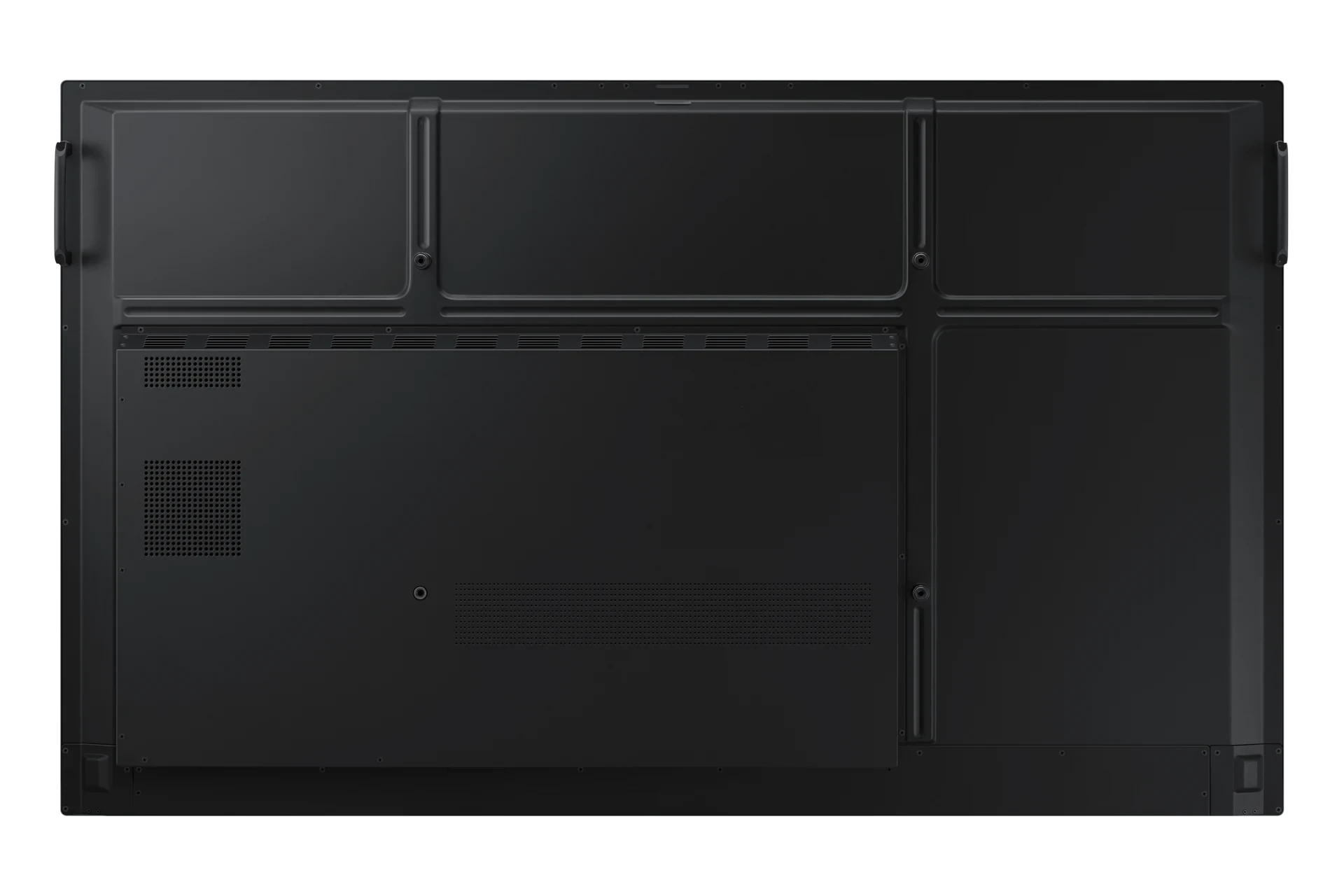
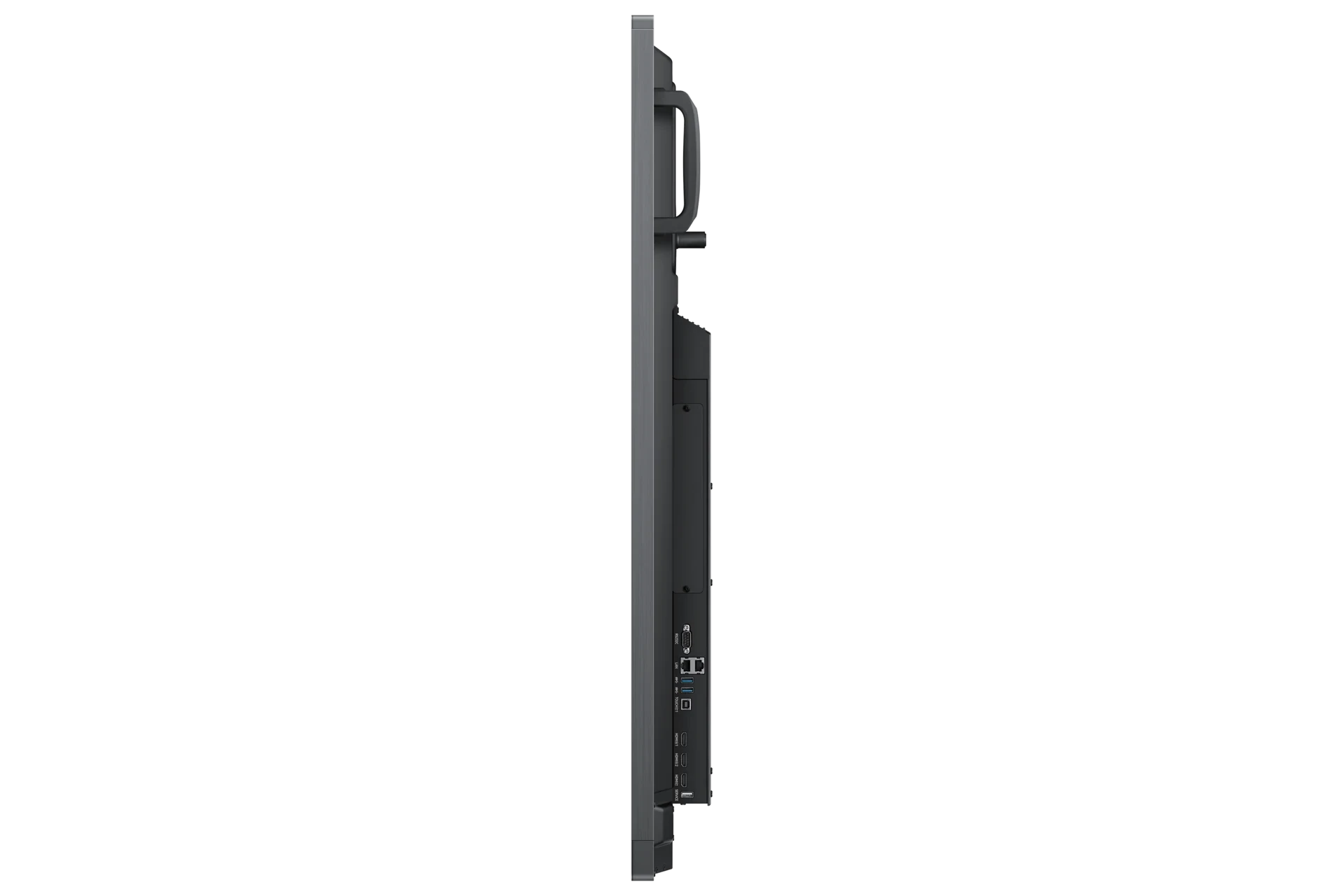
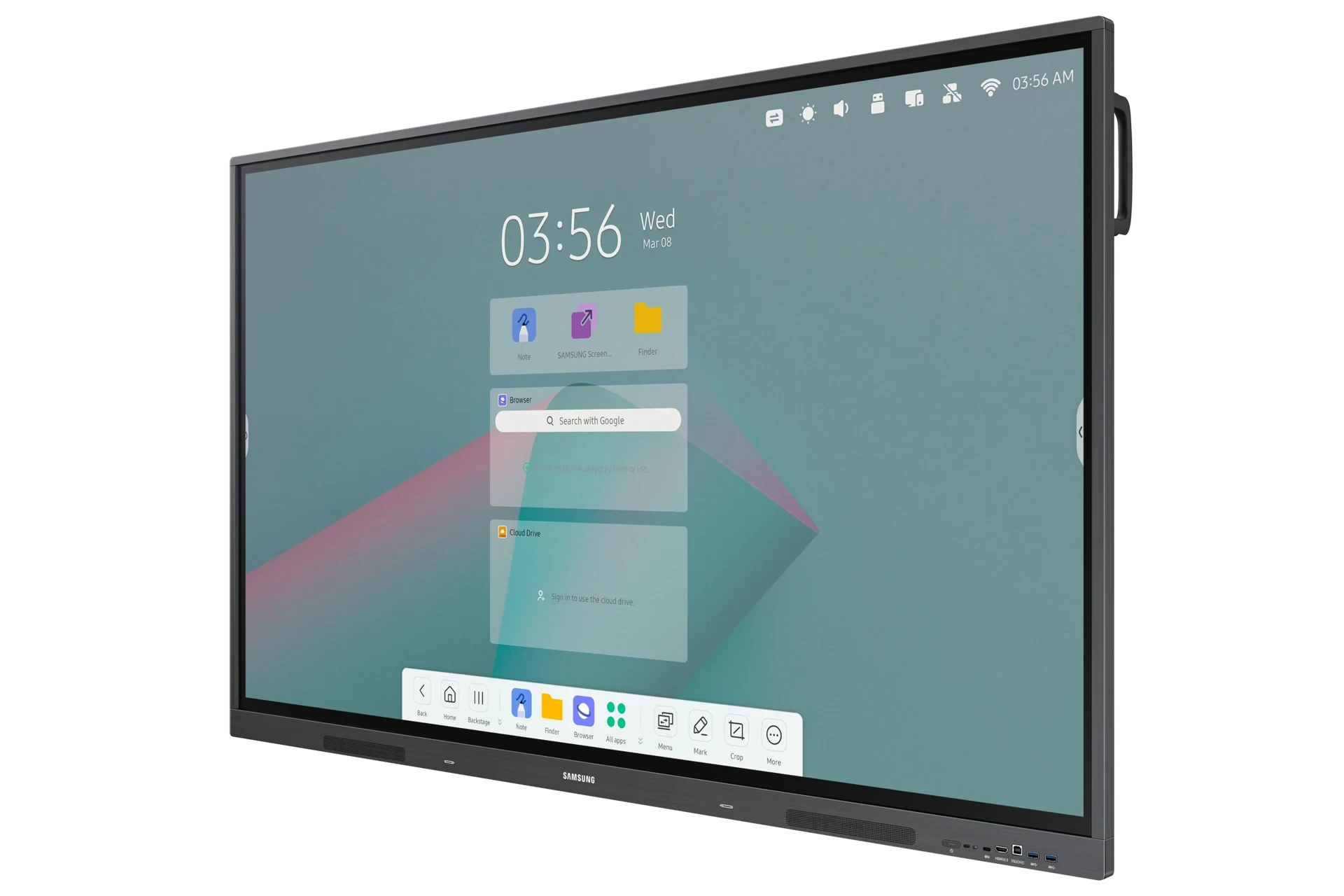
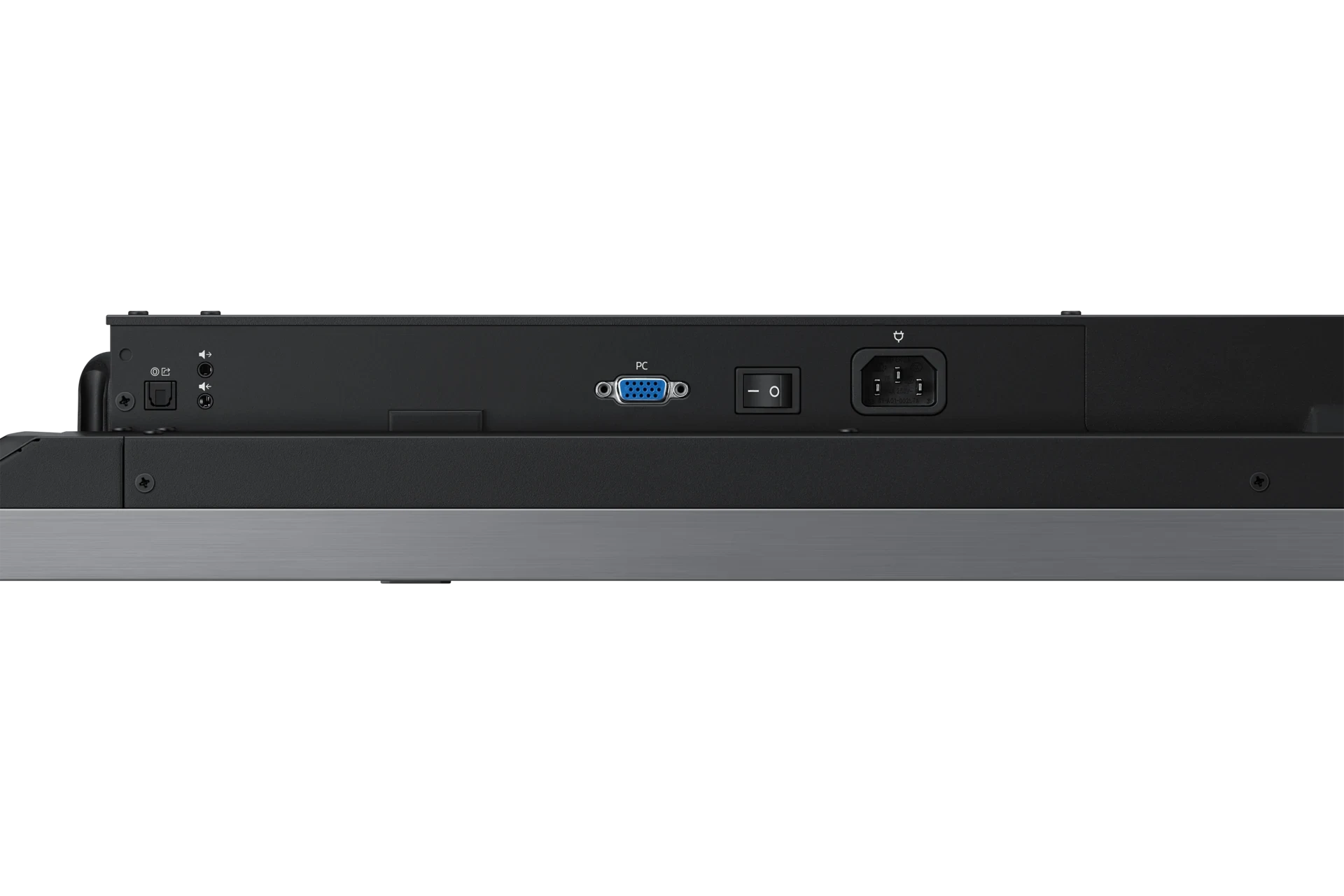
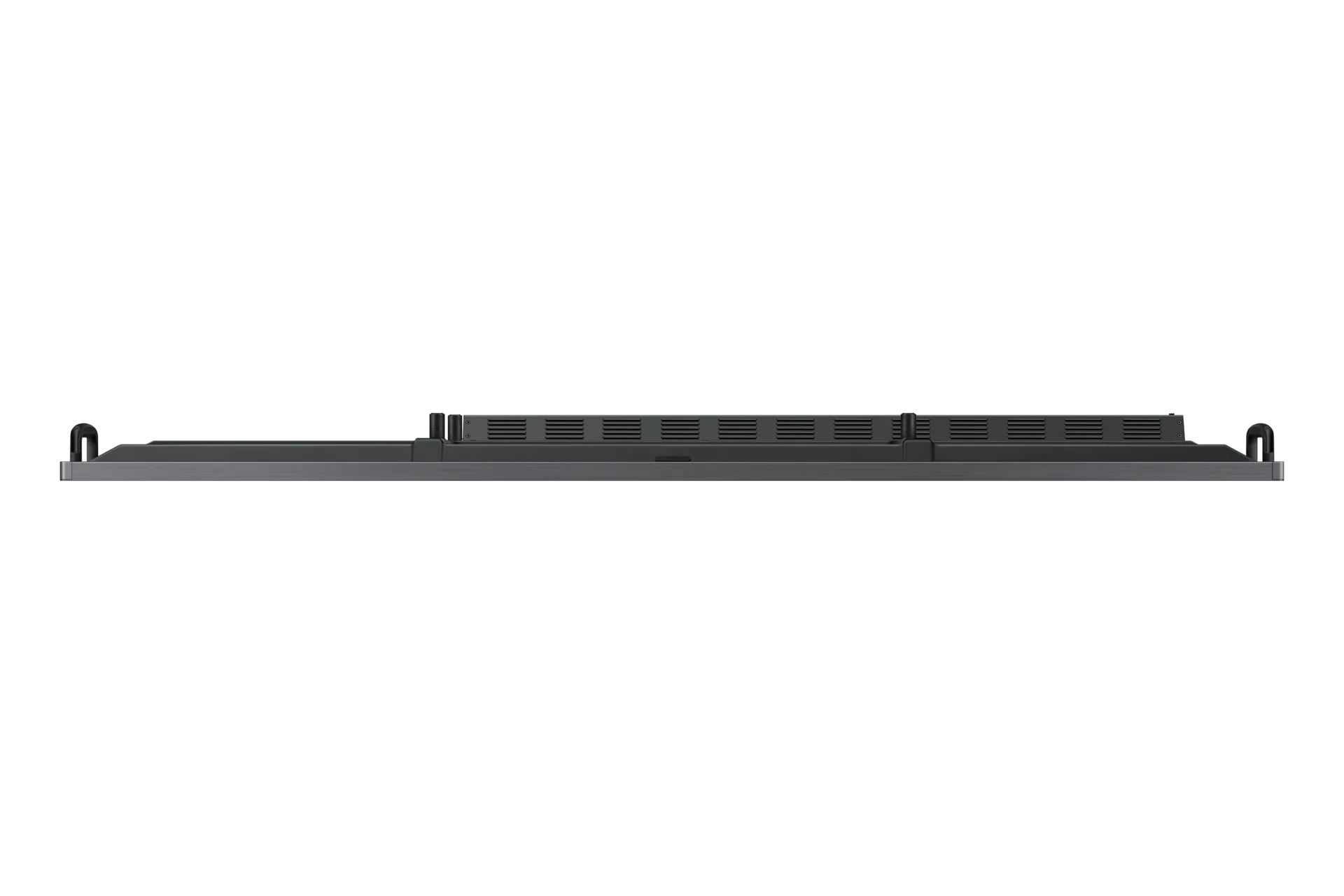
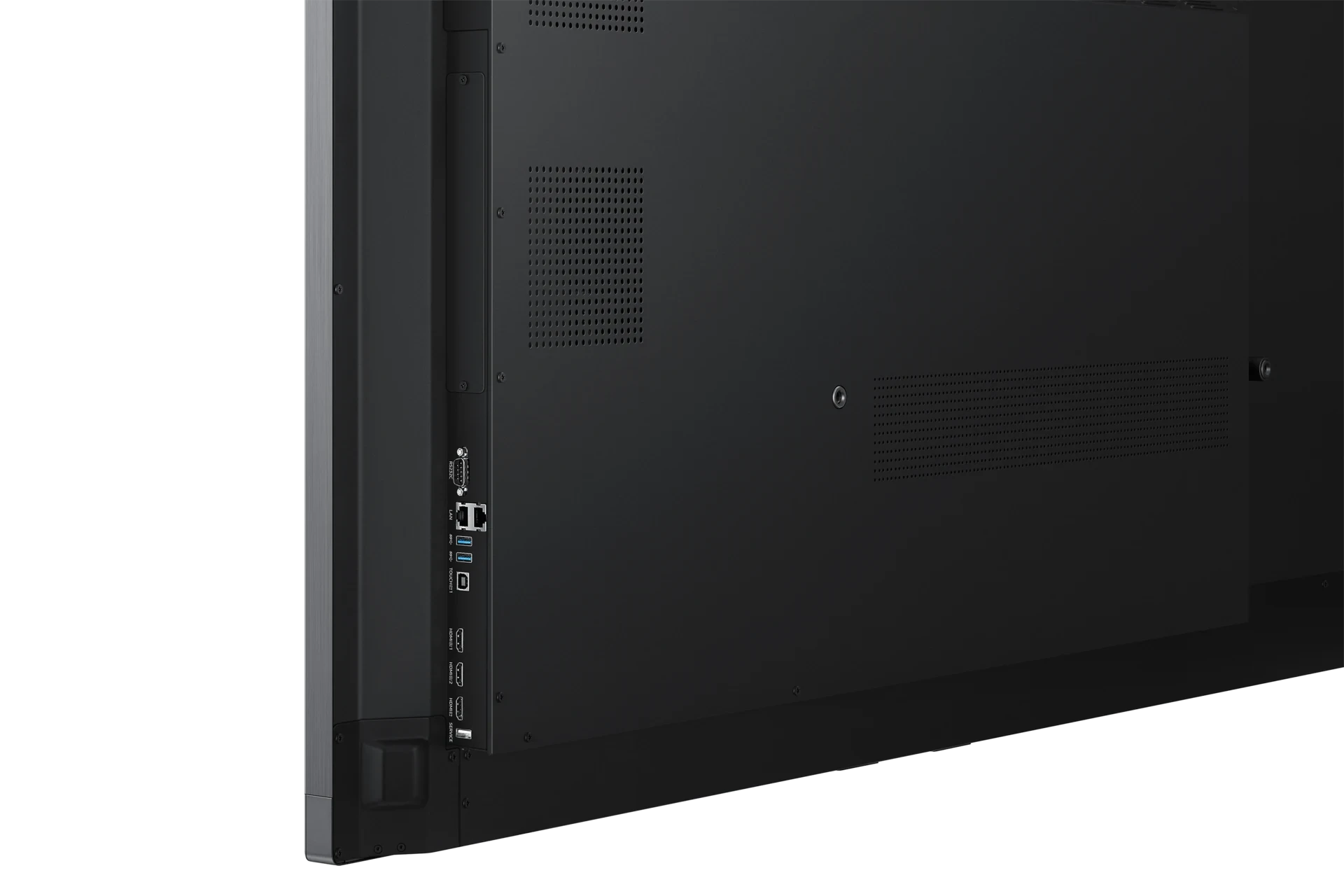
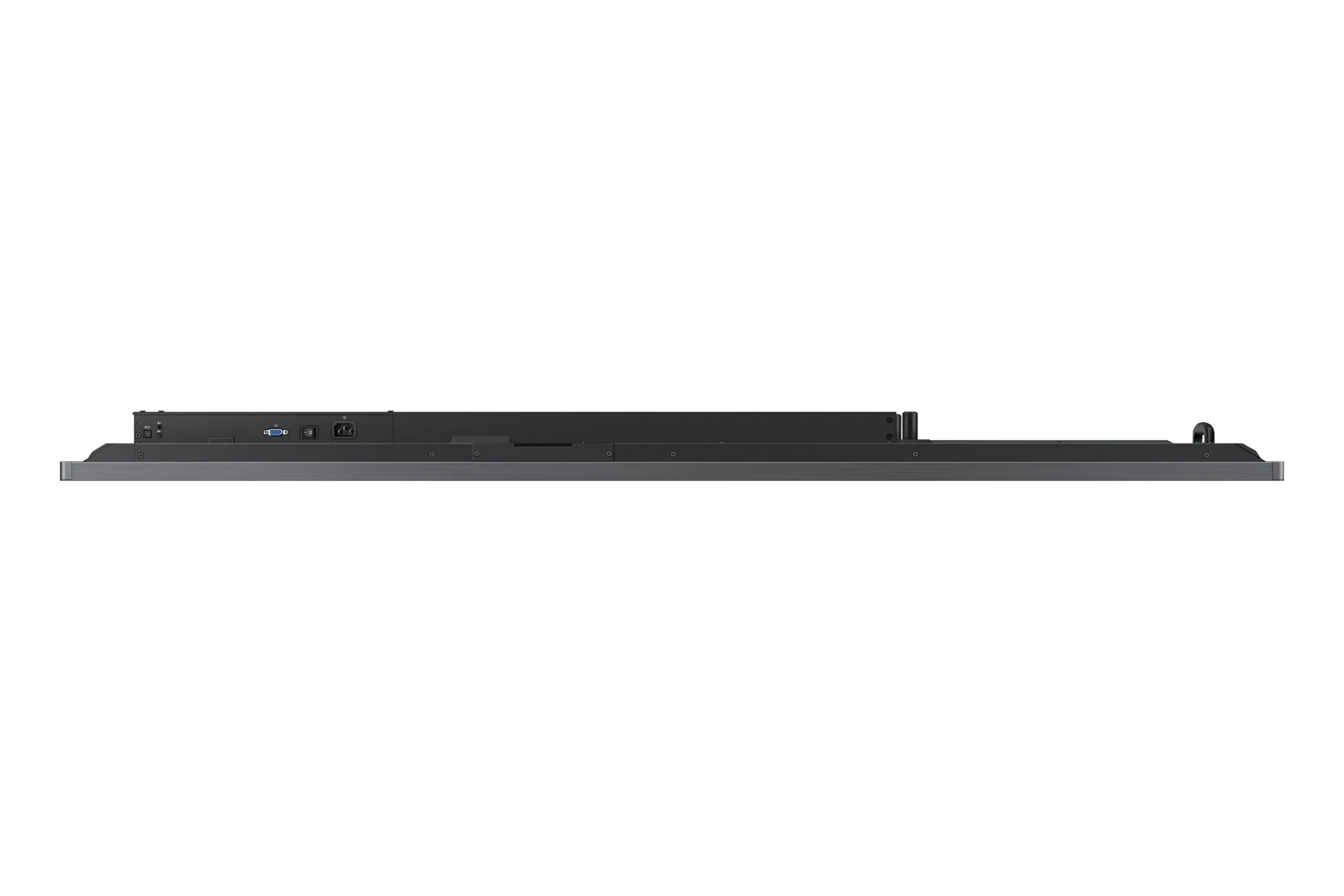
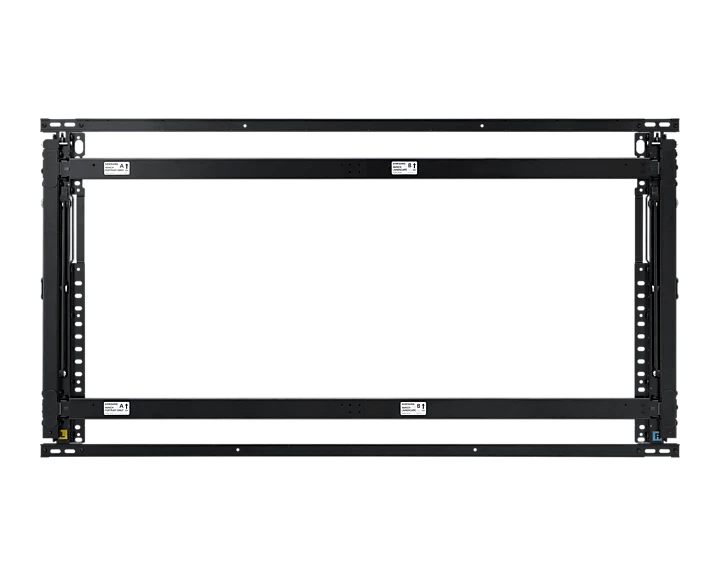
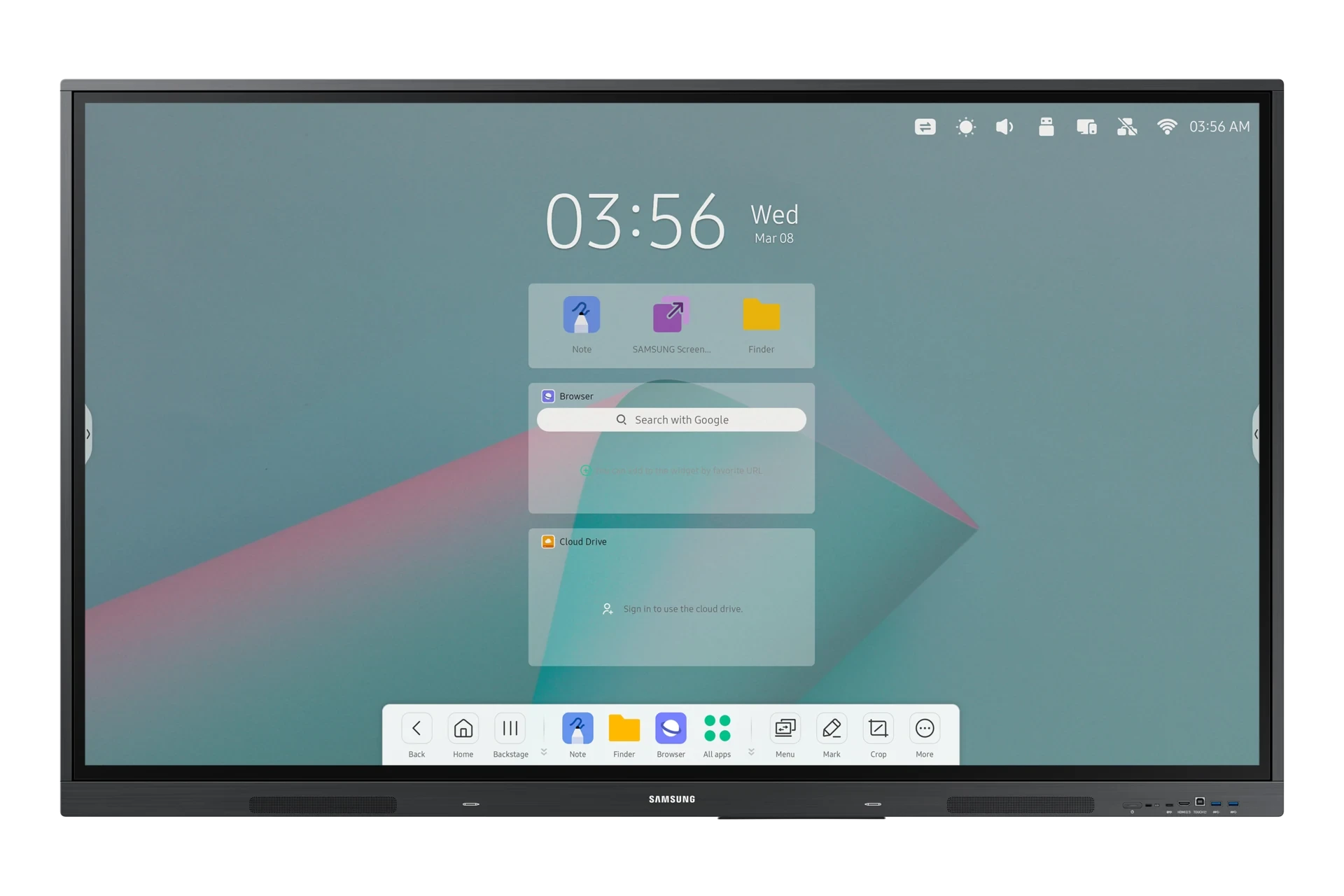
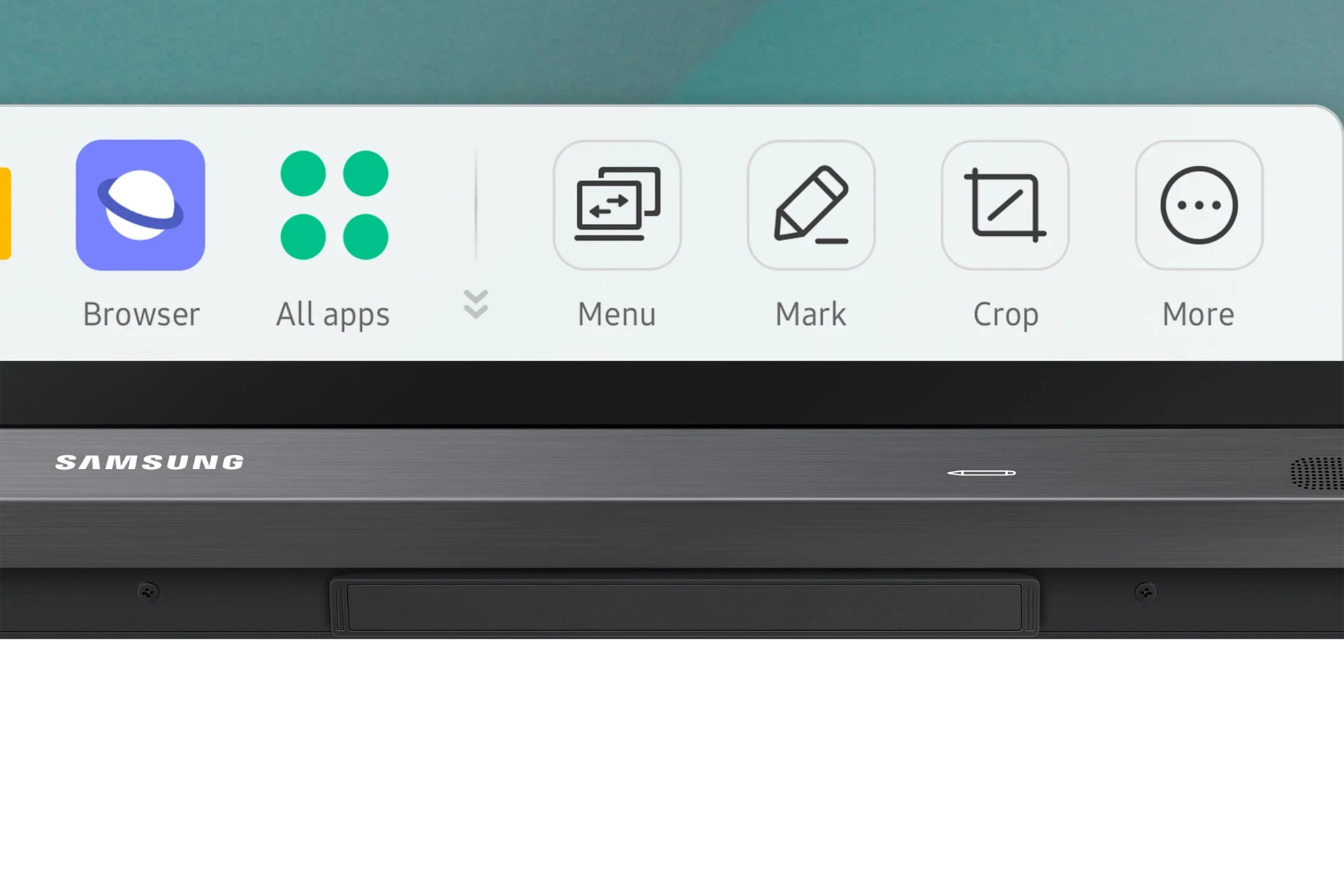
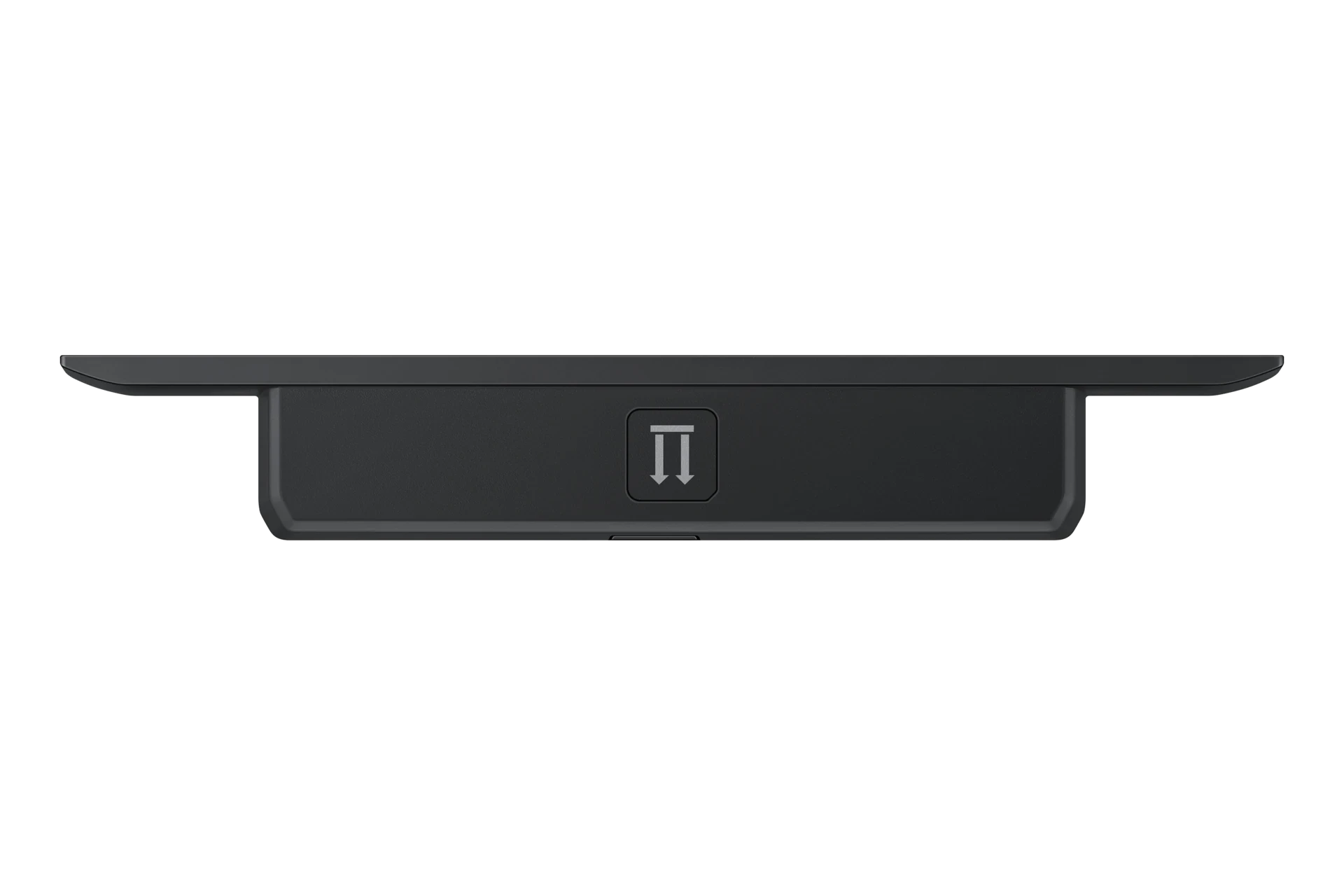
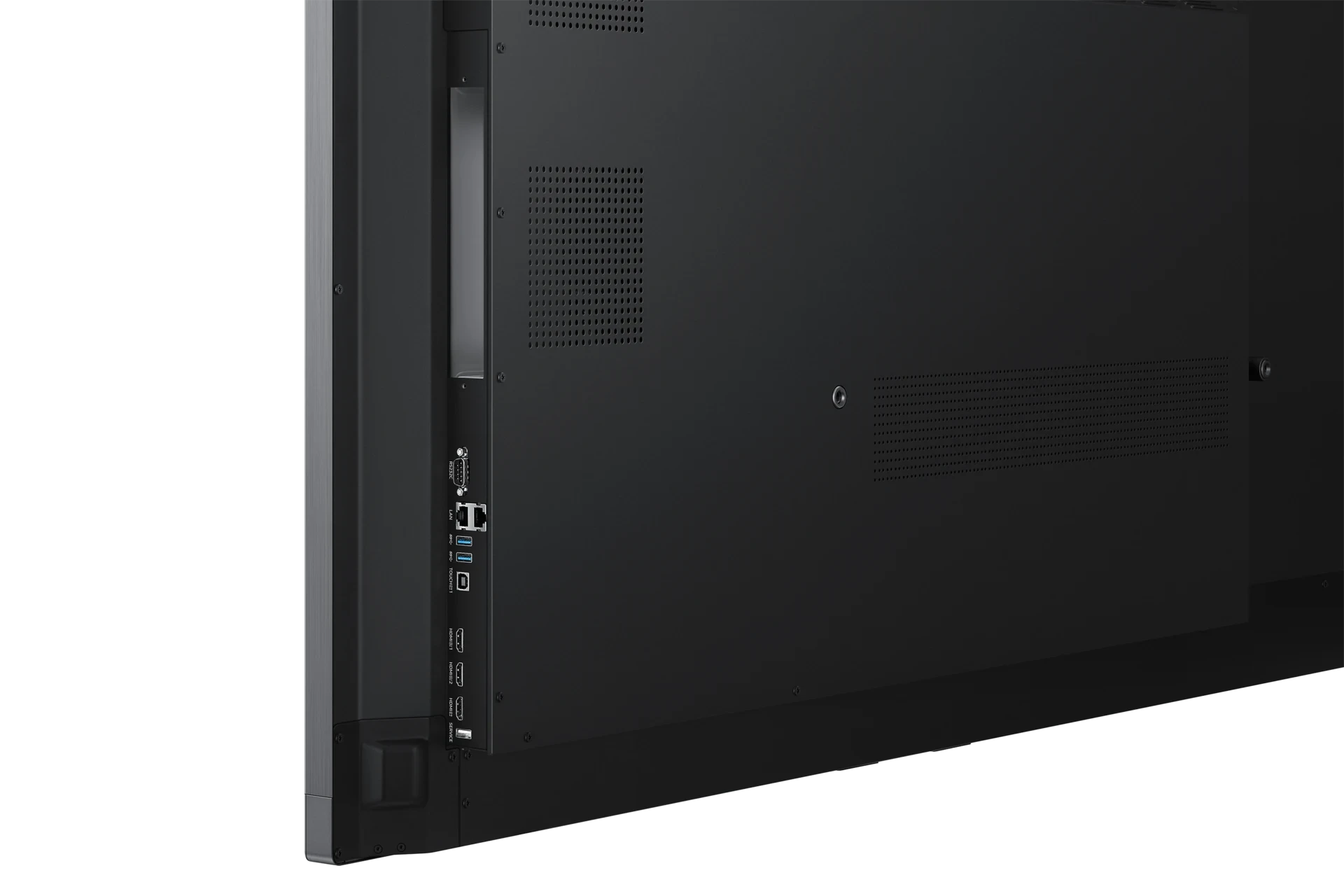
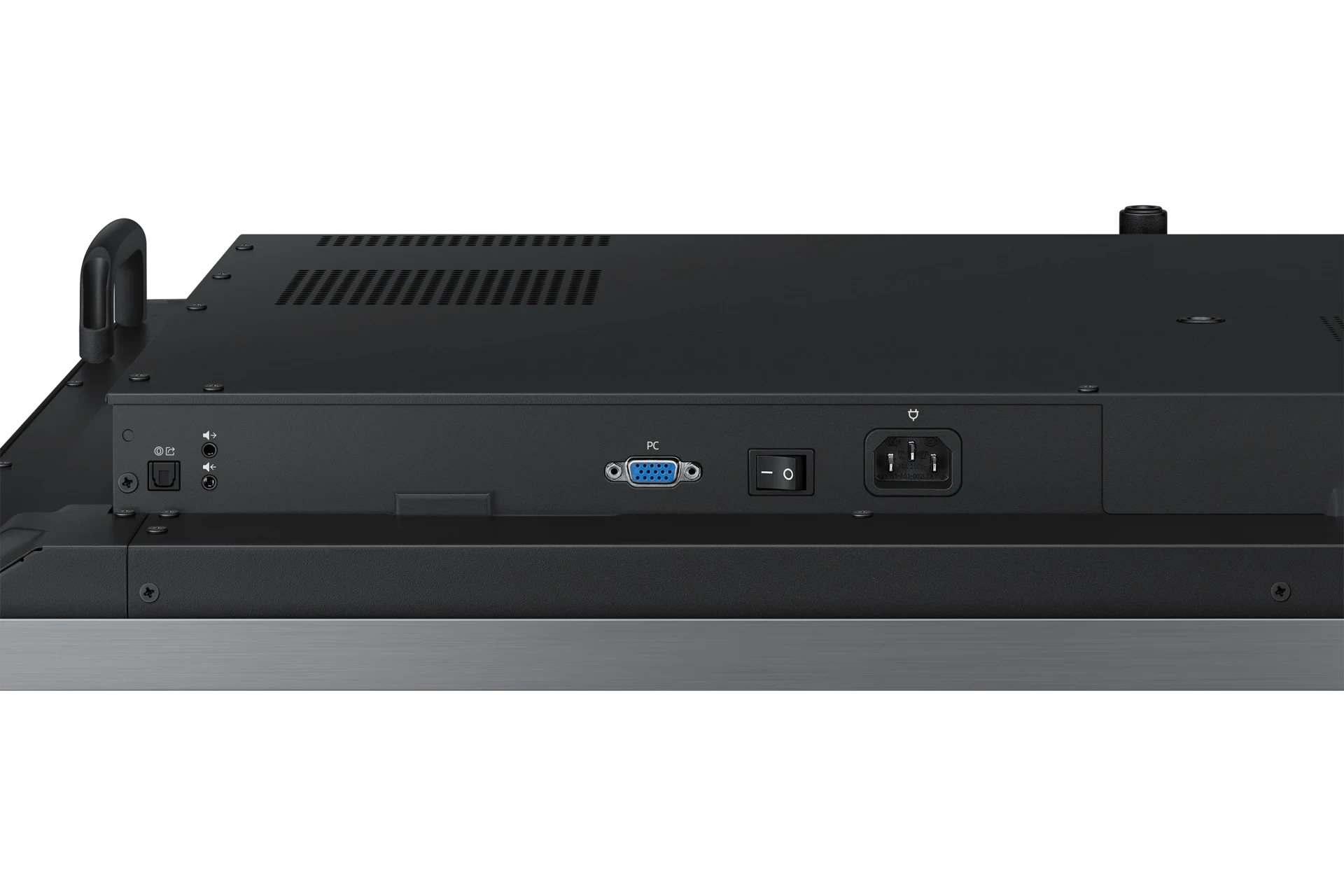
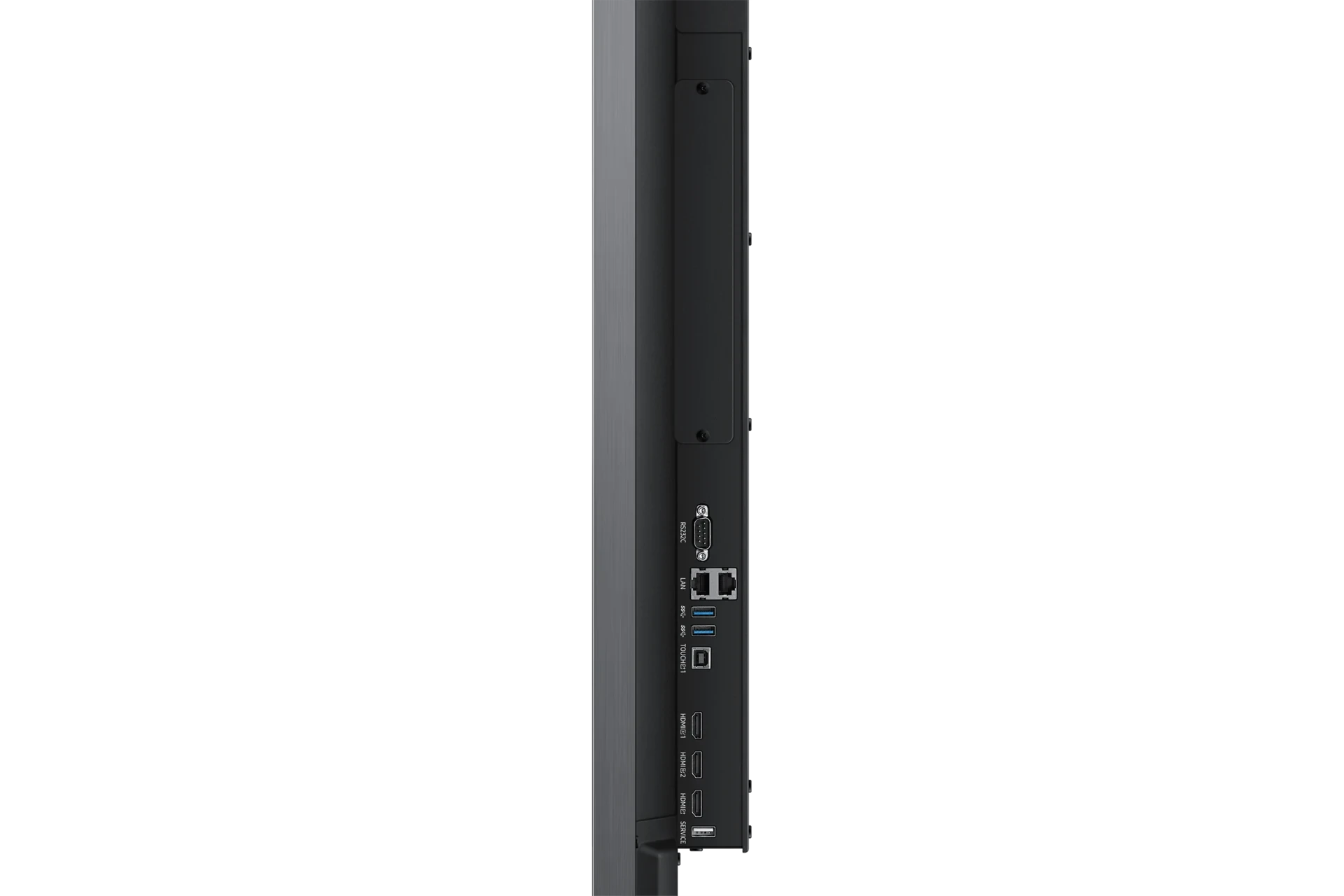
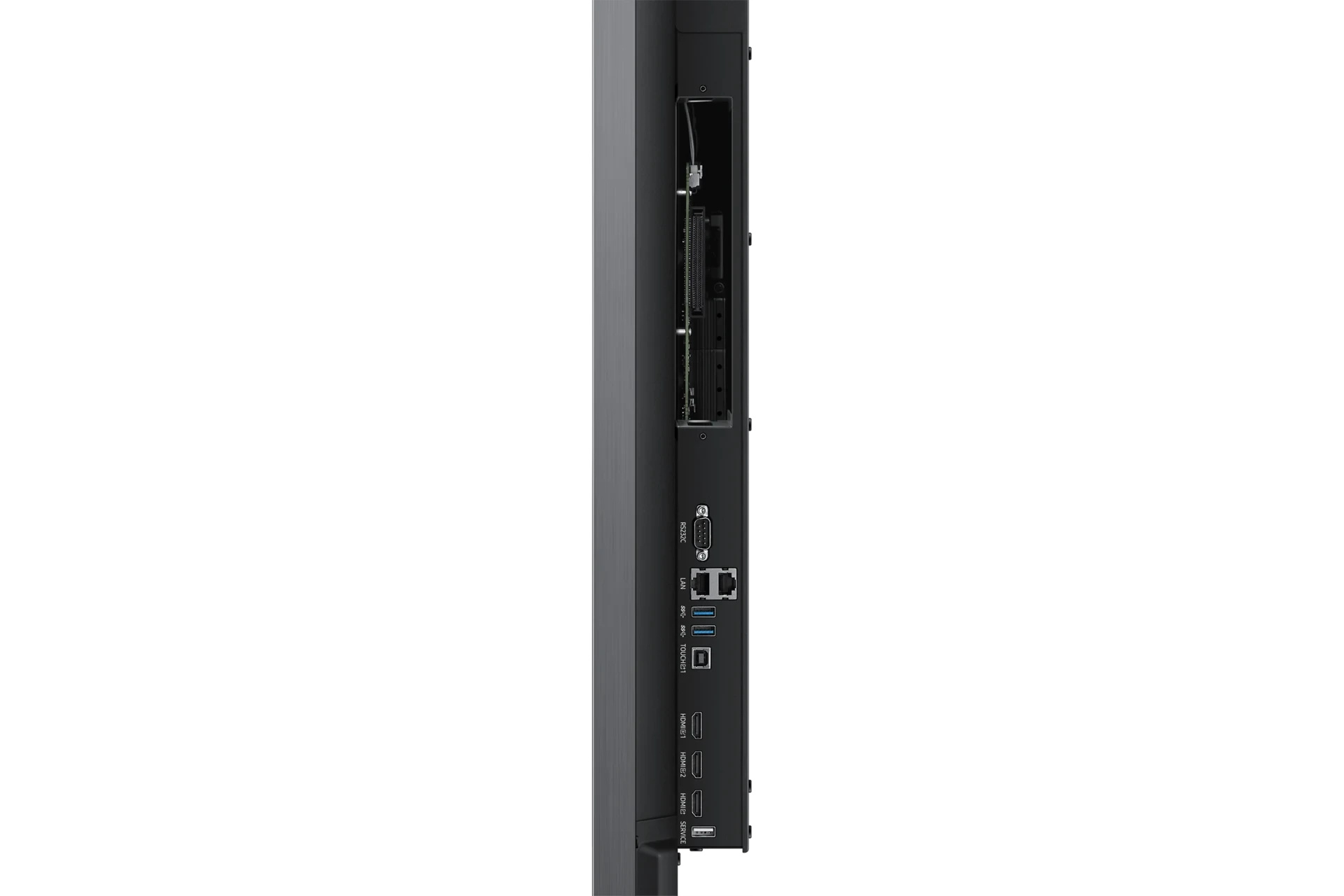
Samsung interactive display WAC series offers a dynamic, engaging experience designed for the classroom of the future. Its enhanced usability and compatibility make it easier for teachers to leverage education apps and features that
Featured features
Multi-Window Screen Modes
A variety of screen mode options, including split screen mode and multi-window mode, enables users to easily present and multitask.
Powerful Screen Sharing
Up to nine screens can be shared simultaneously for maximum productivity in real time, ensuring every student is included.
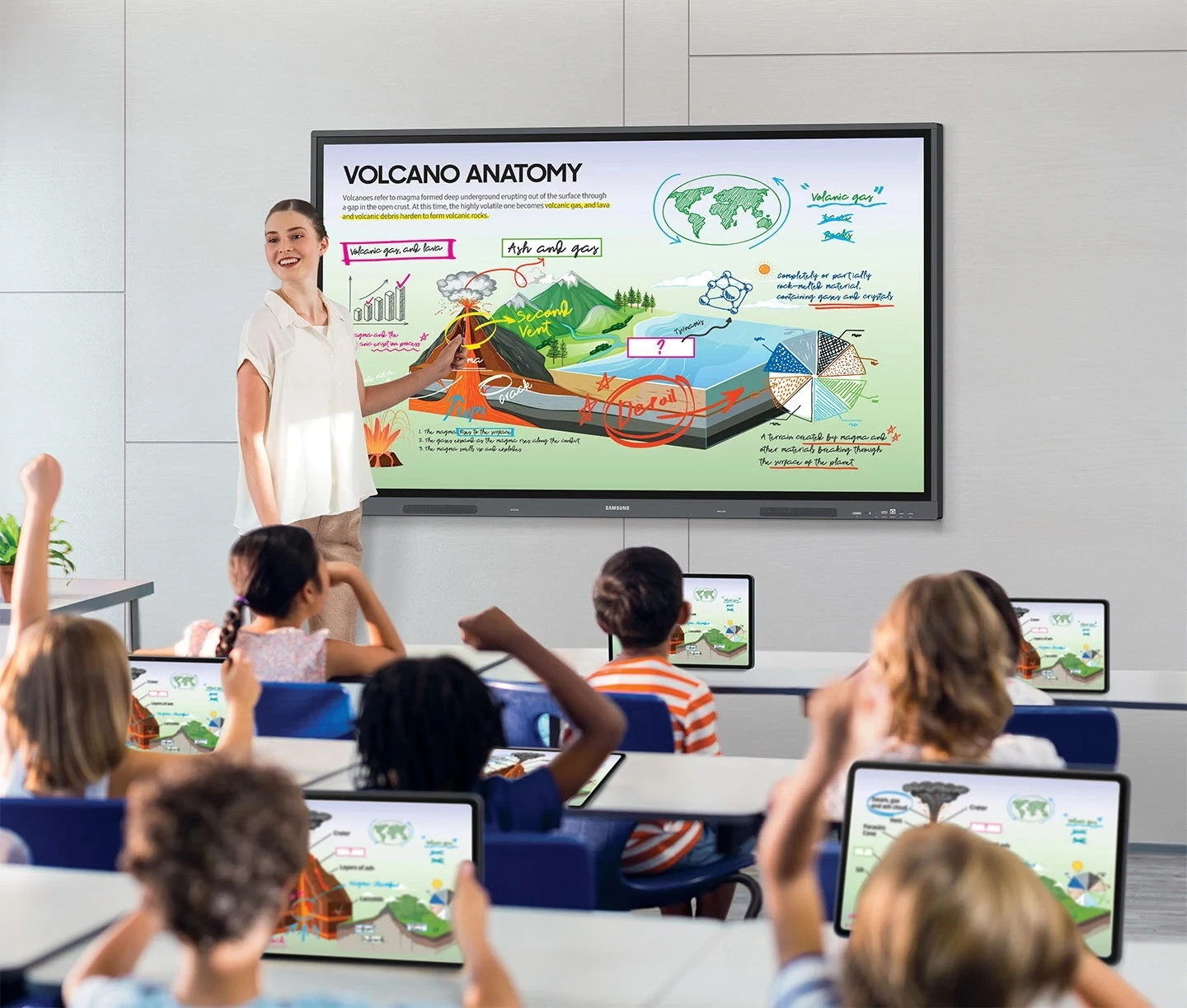
Unlimited learning possibilities
Samsung interactive display WAC series offers a dynamic, engaging experience designed for the classroom of the future. Its enhanced usability and compatibility make it easier for teachers to leverage education apps and features that optimize lessons and help students discover the joy of learning.
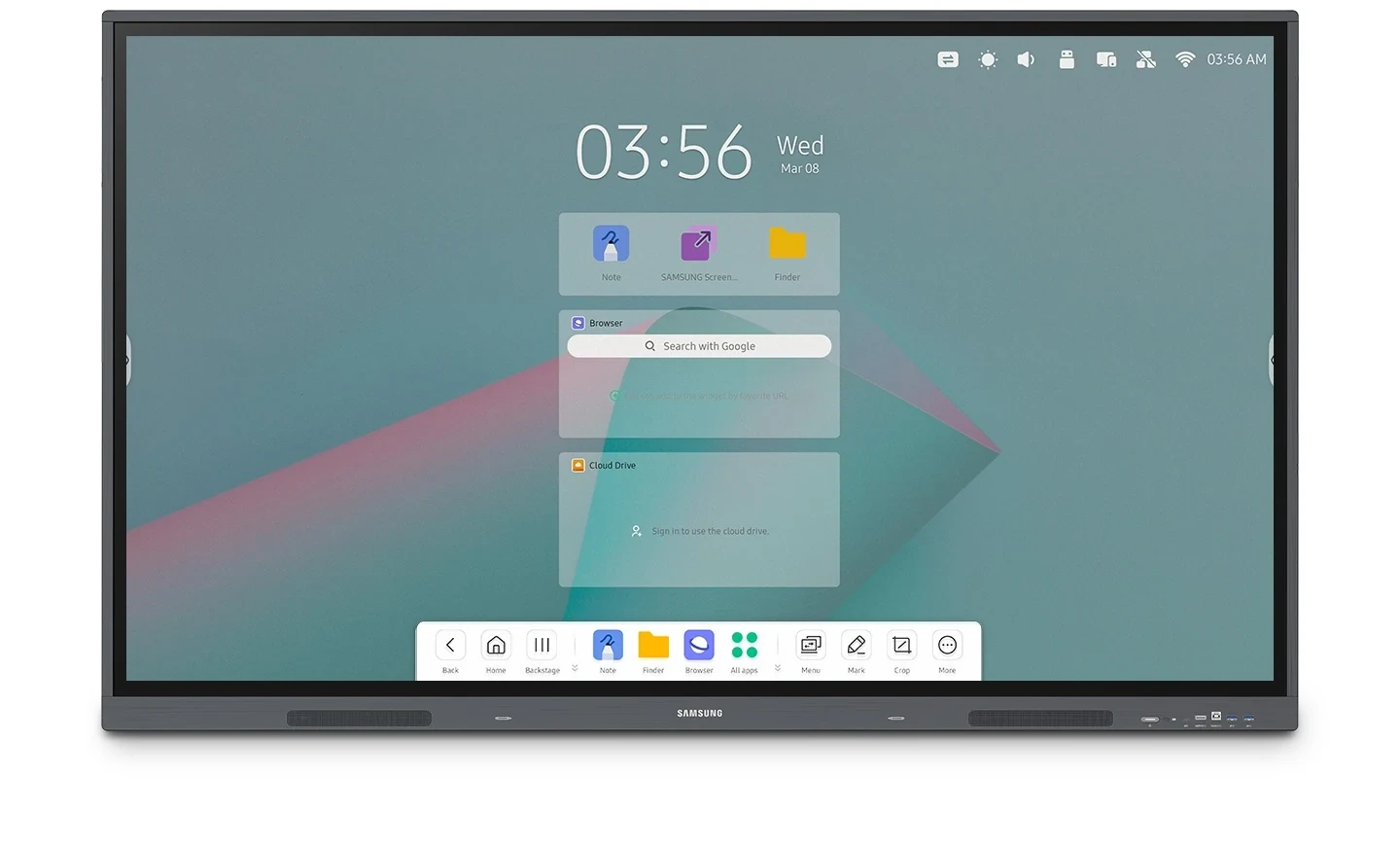
Boost learning with familiar UX
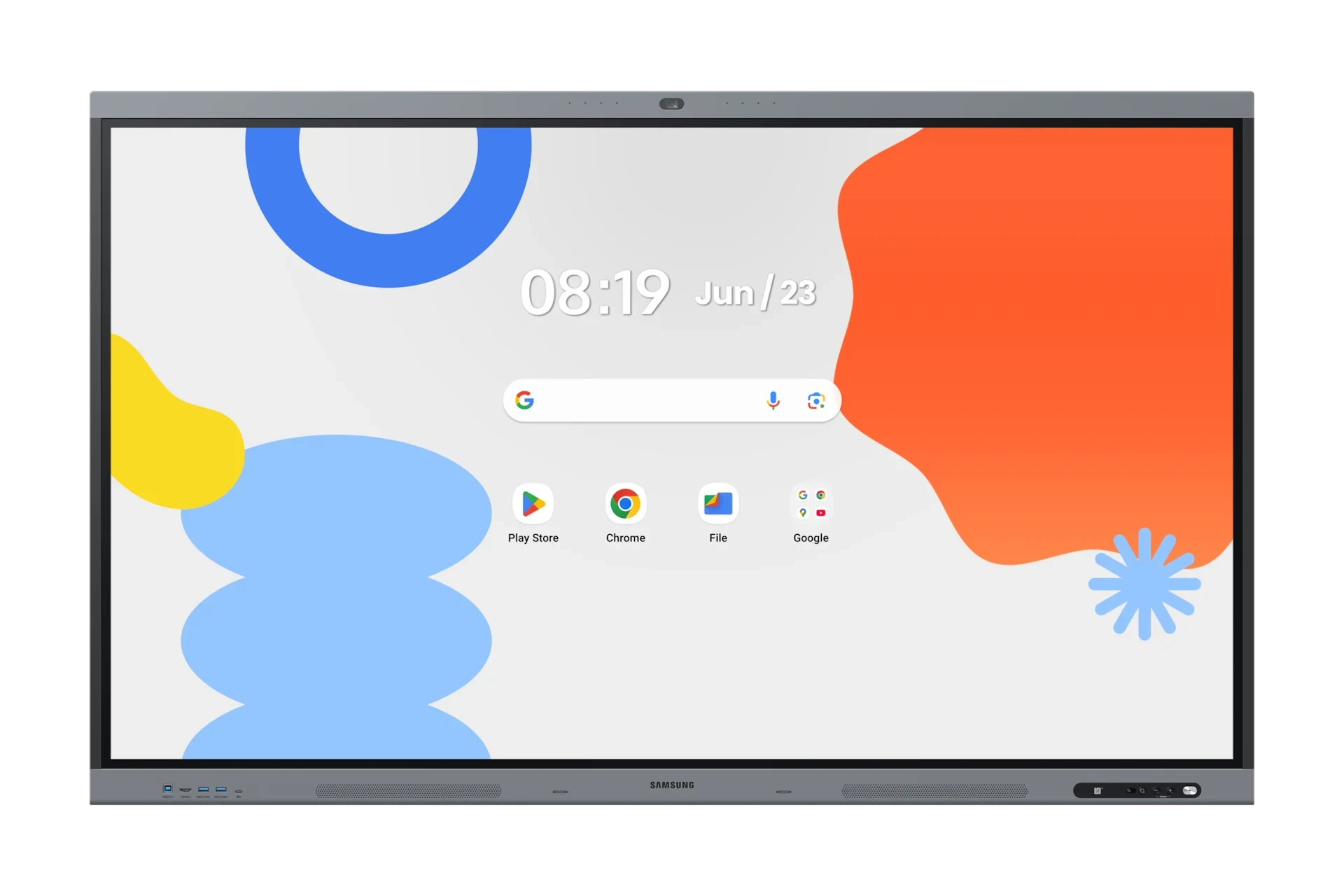
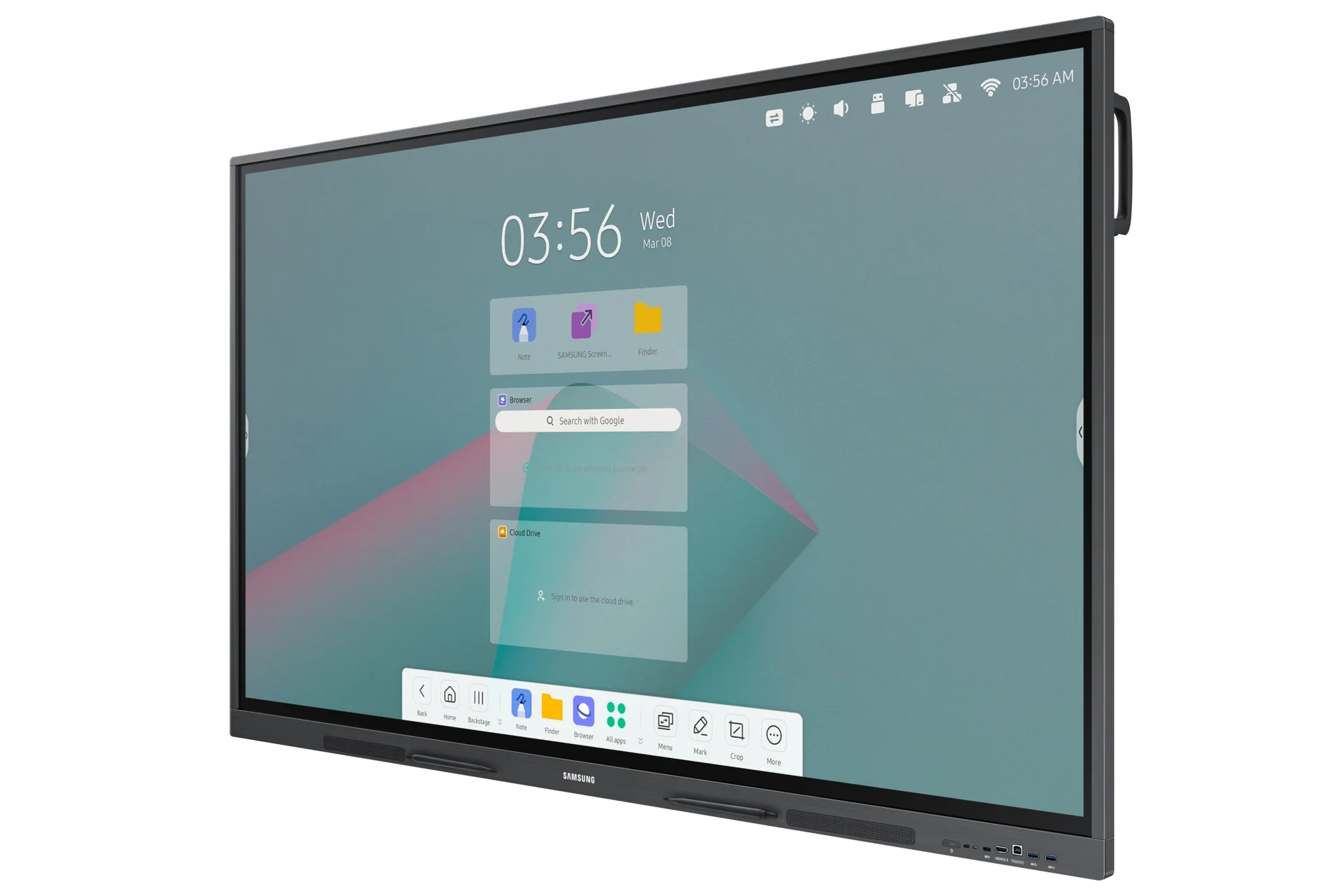
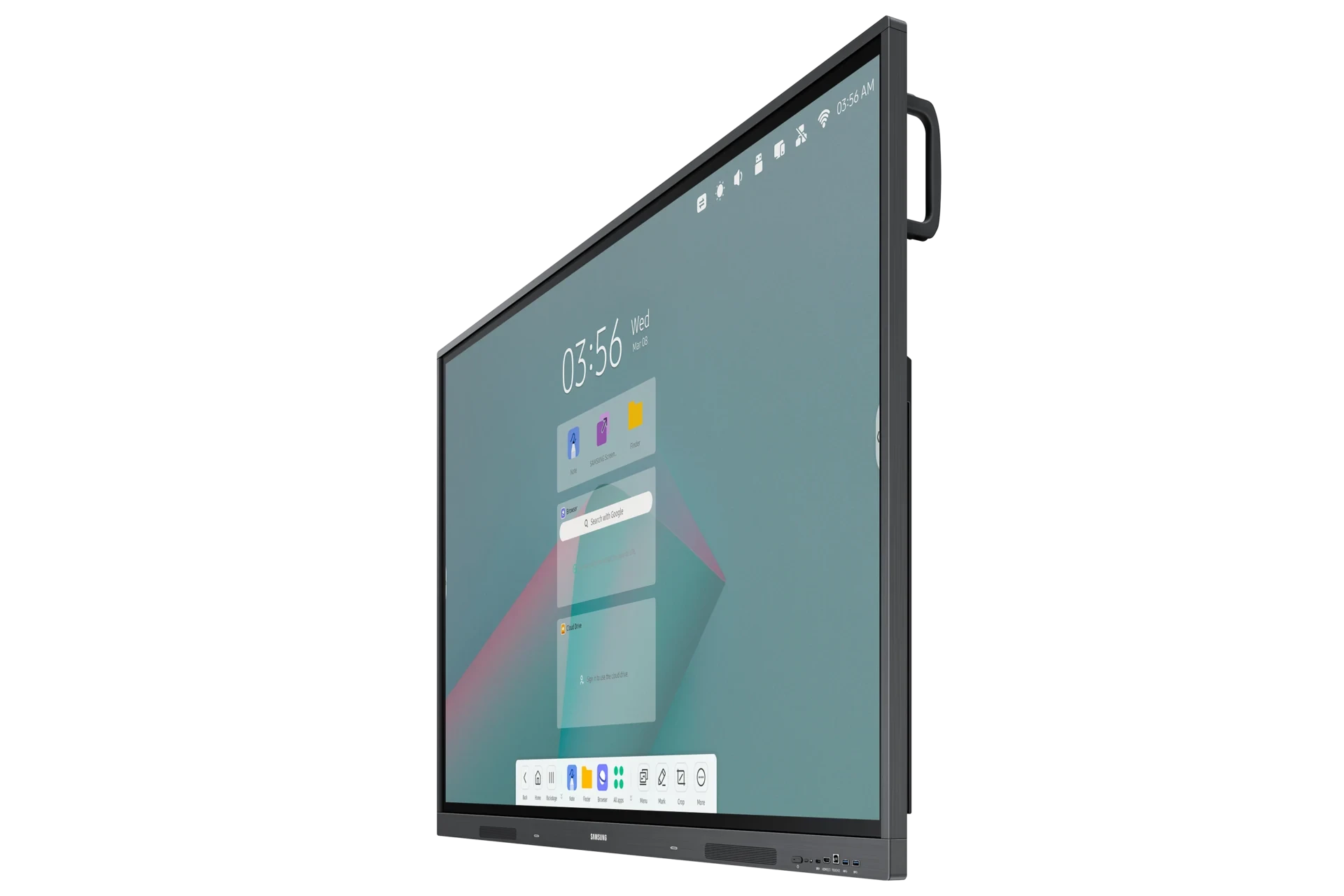
WAC Series is an Android OS-based product, providing intuitive and convenient usability to users. Its excellent compatibility with Android devices makes it easy for teachers to boost learning, while the ability to customize the home screen with frequently used apps brings added
* UX images may differ slightly from actual UX images.
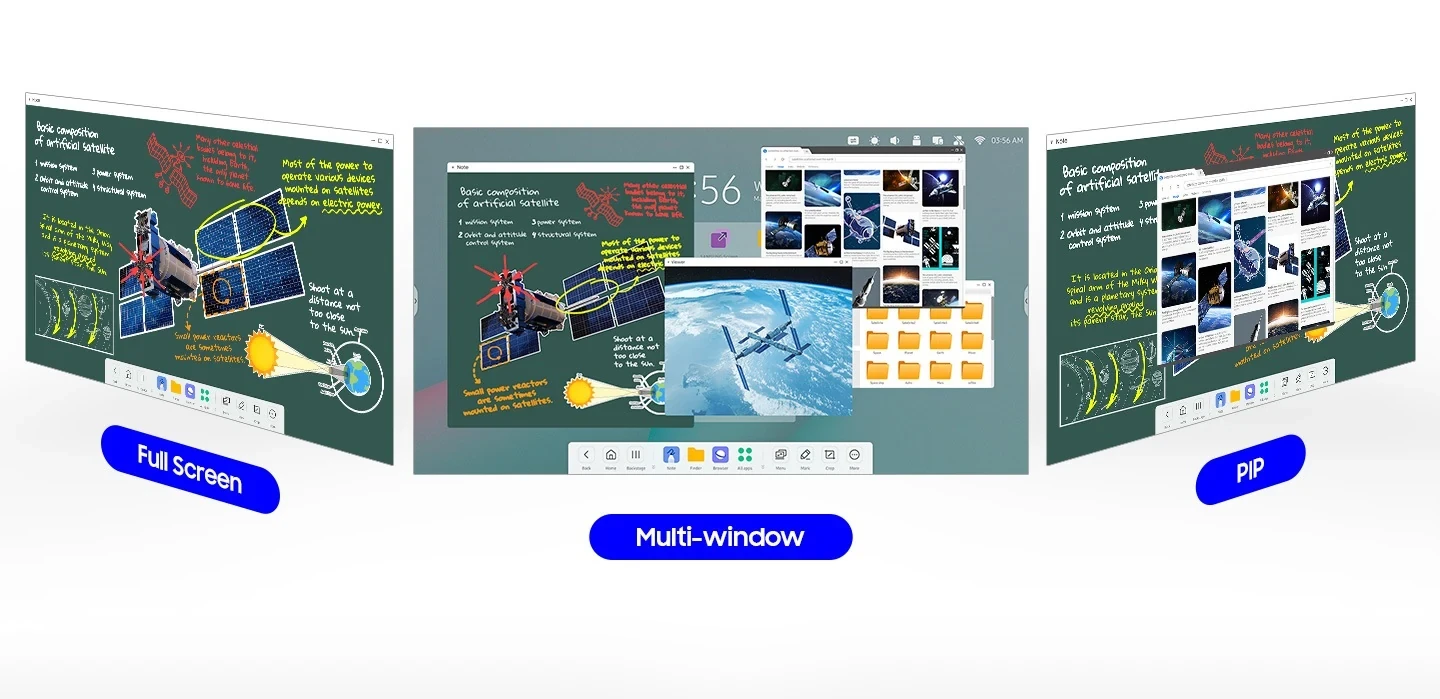
Display multiple screens at once
A variety of sceen mode options, including split screen and multi-window, enable teachers to easily display and read multiple windows at the same time on the WAC series. This flexibility helps educators conveniently access all the information they need to create an engaging learning environment.
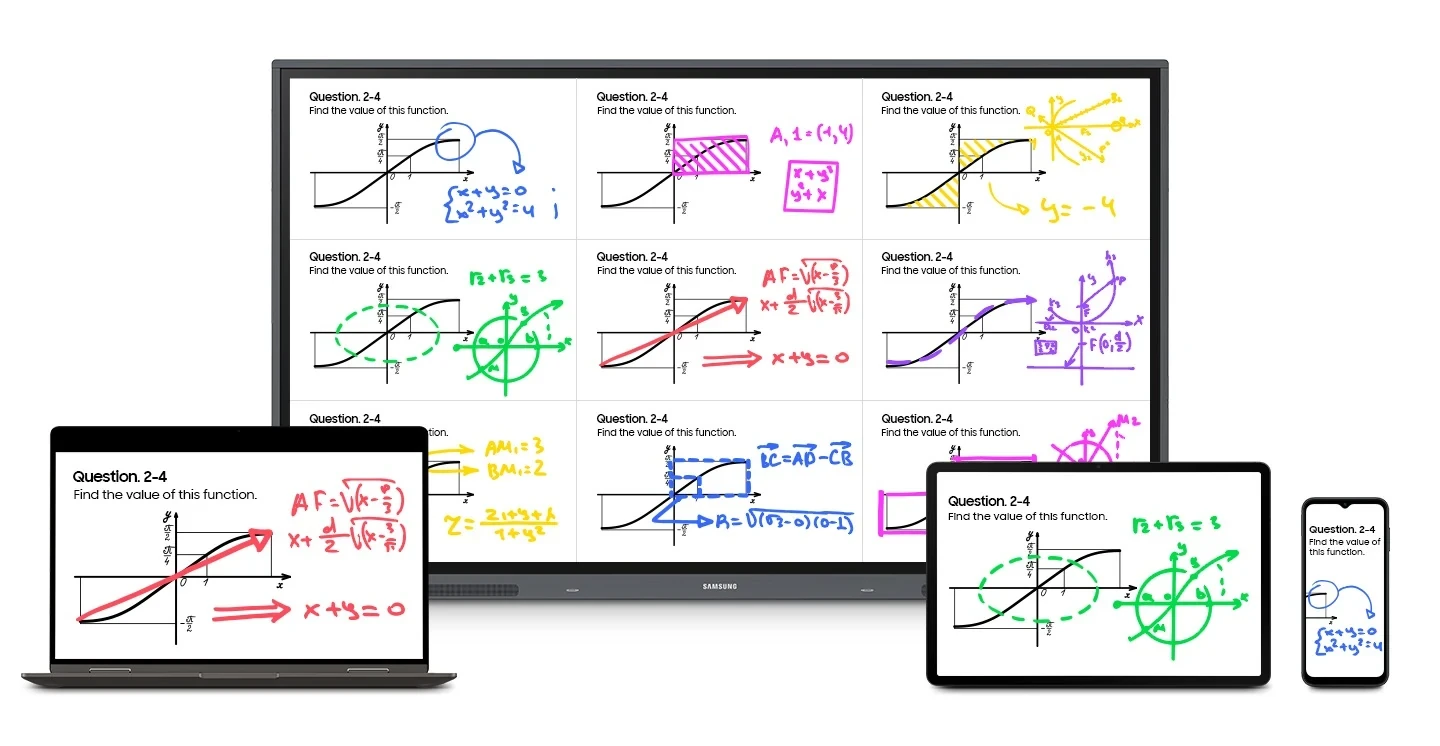
Smart, wireless sharing from multiple devices
Users can share up to nine screens simultaneously for maximum productivity in real time. This feature ensure every student is included and engaged as content can be shared both ways between the large display and individual devices. It can be used on IOS, Mac, Windows, Android, or Chrome OS.
* Screen sharing is available on devices with the following conditions:** Windows 10 and higher / Mac OS X 10.11 and higher / Chrome 38 and higher / Andriod 5.1 and higher / iOS 10.0 and higher
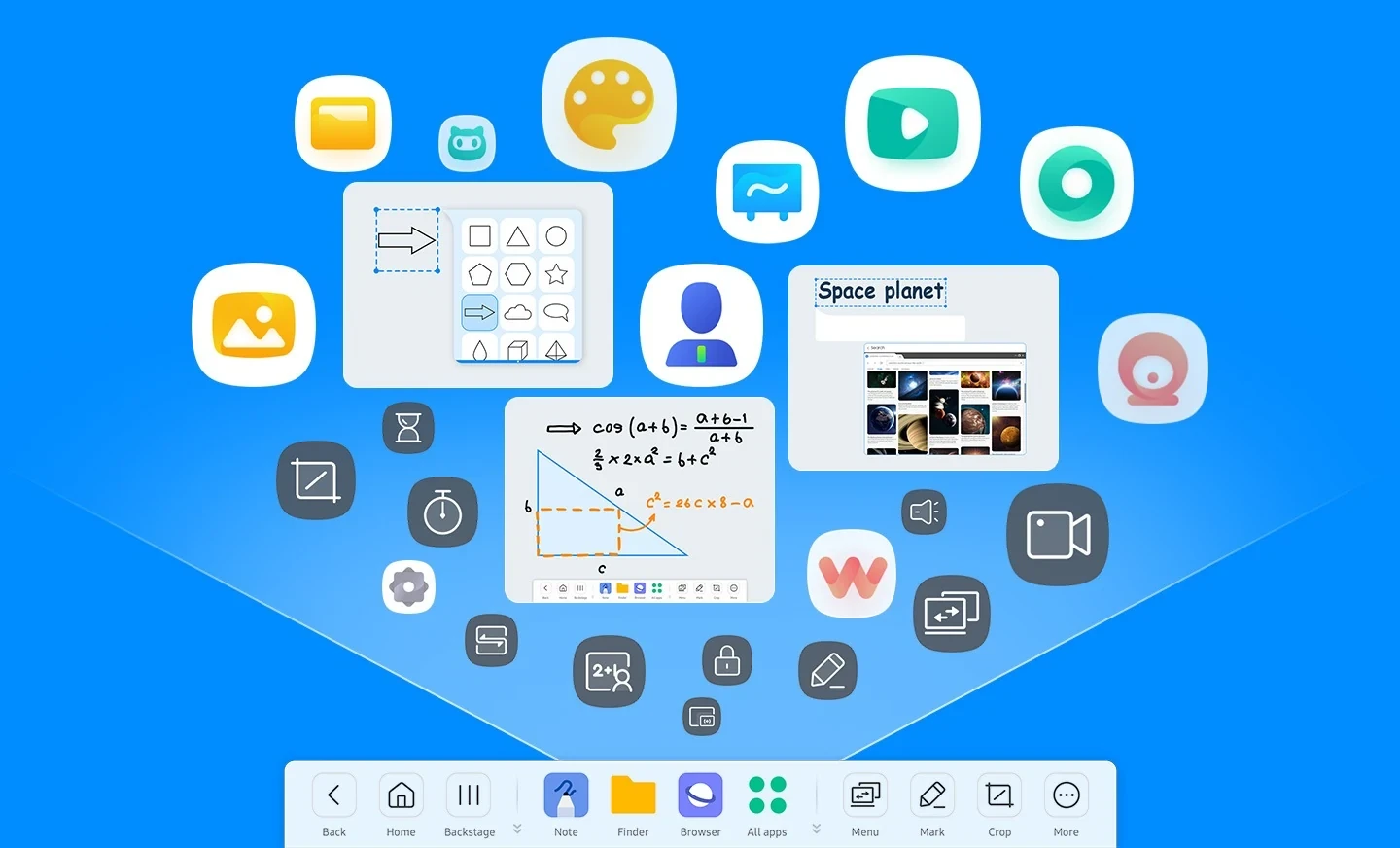
Create more engaging lessons with intelligent apps
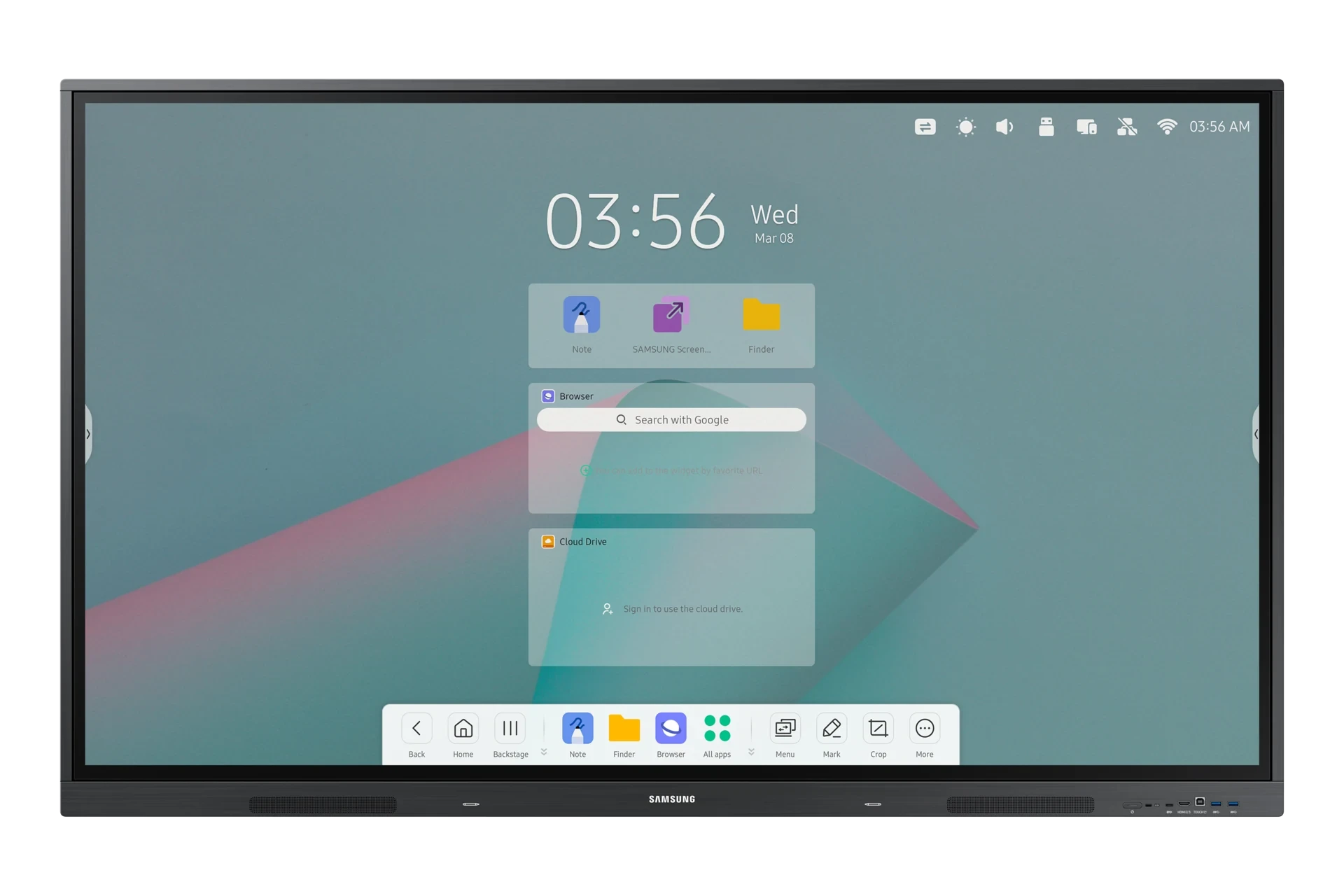
Important apps and tools can be conveniently added to the home screen bar for easy access. Intelligent apps, such as timers and stopwatches, help teachers get creative with their lessons to foster a learning environment that students love.
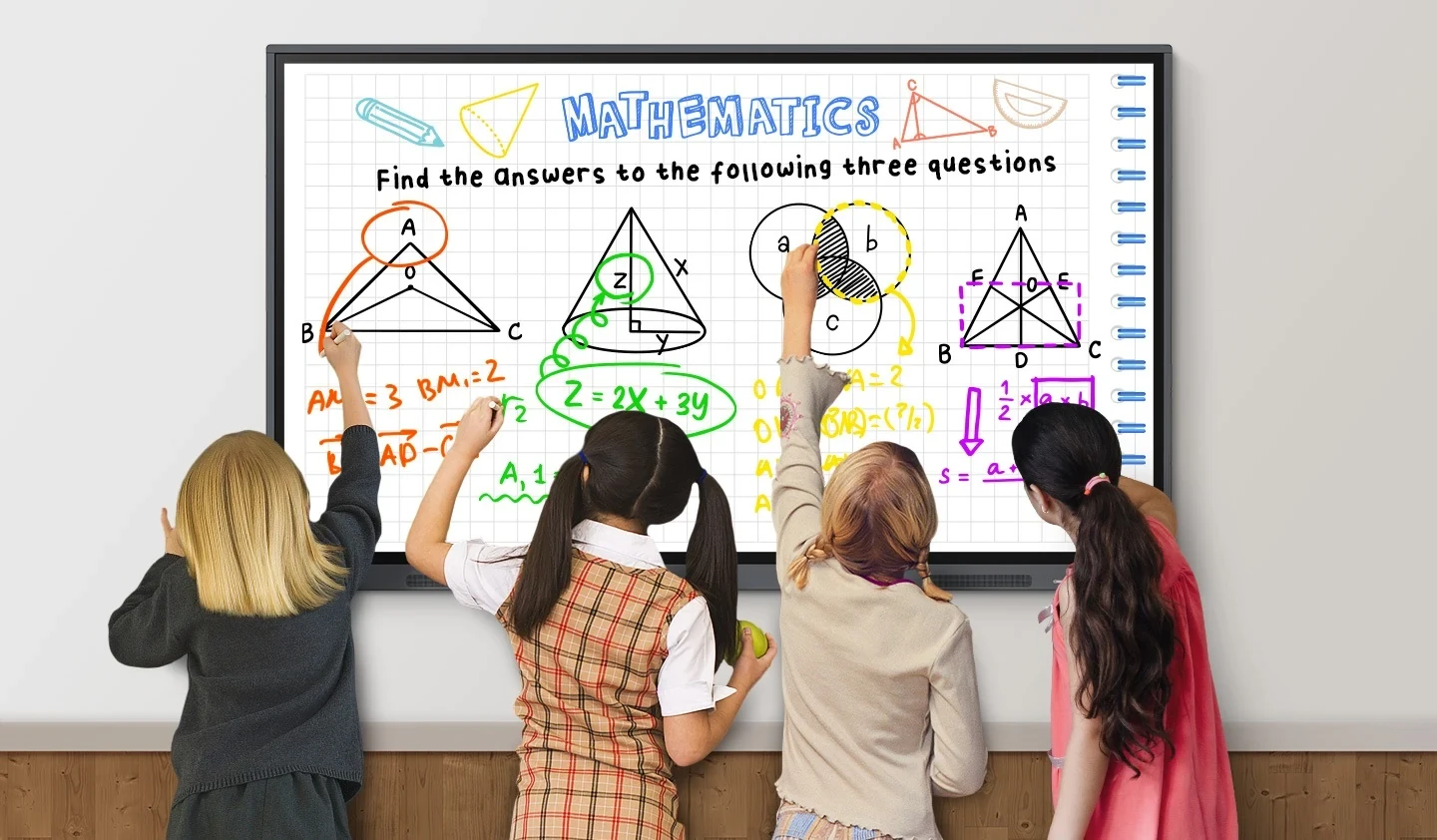
Better interaction with best-in-class multi-touch
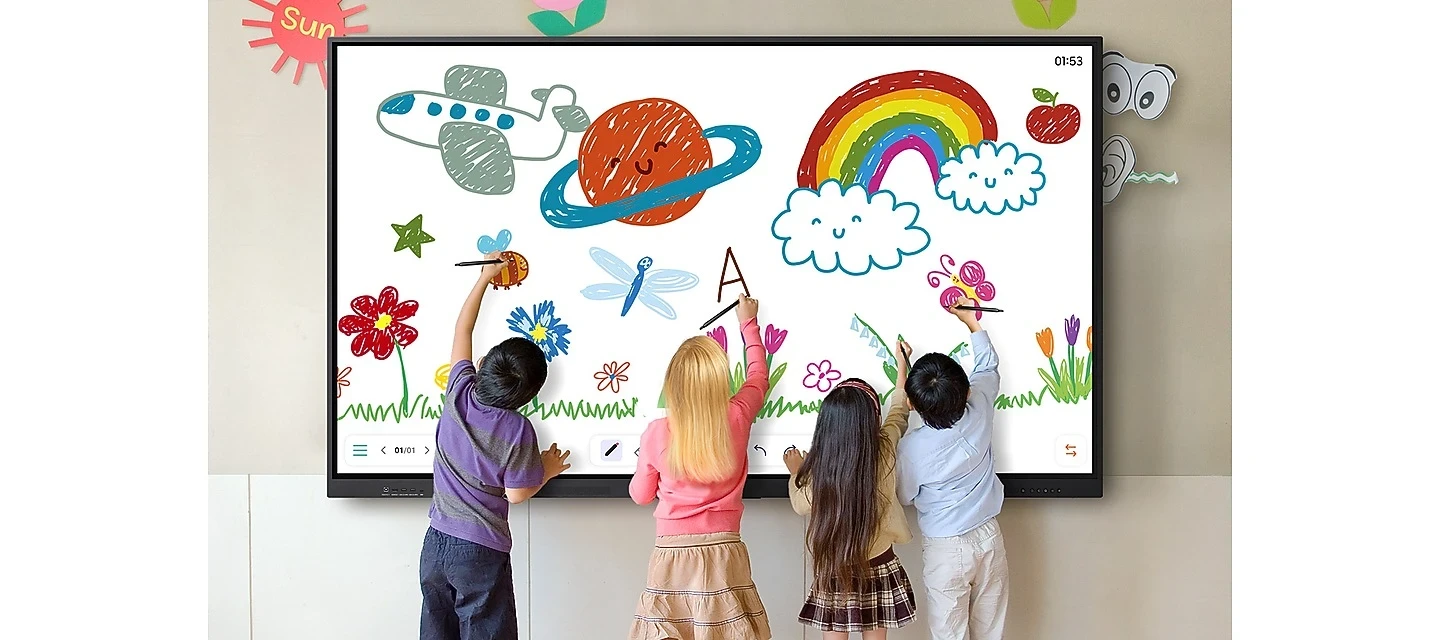
Multiple users can write and draw on the whiteboard at the same time with the display’s advanced multi-touch capabilities. Up to 40 simultaneous touchpoints are possible, allowing large groups of students and teachers to collaborate and learn together in a fun and natural way.
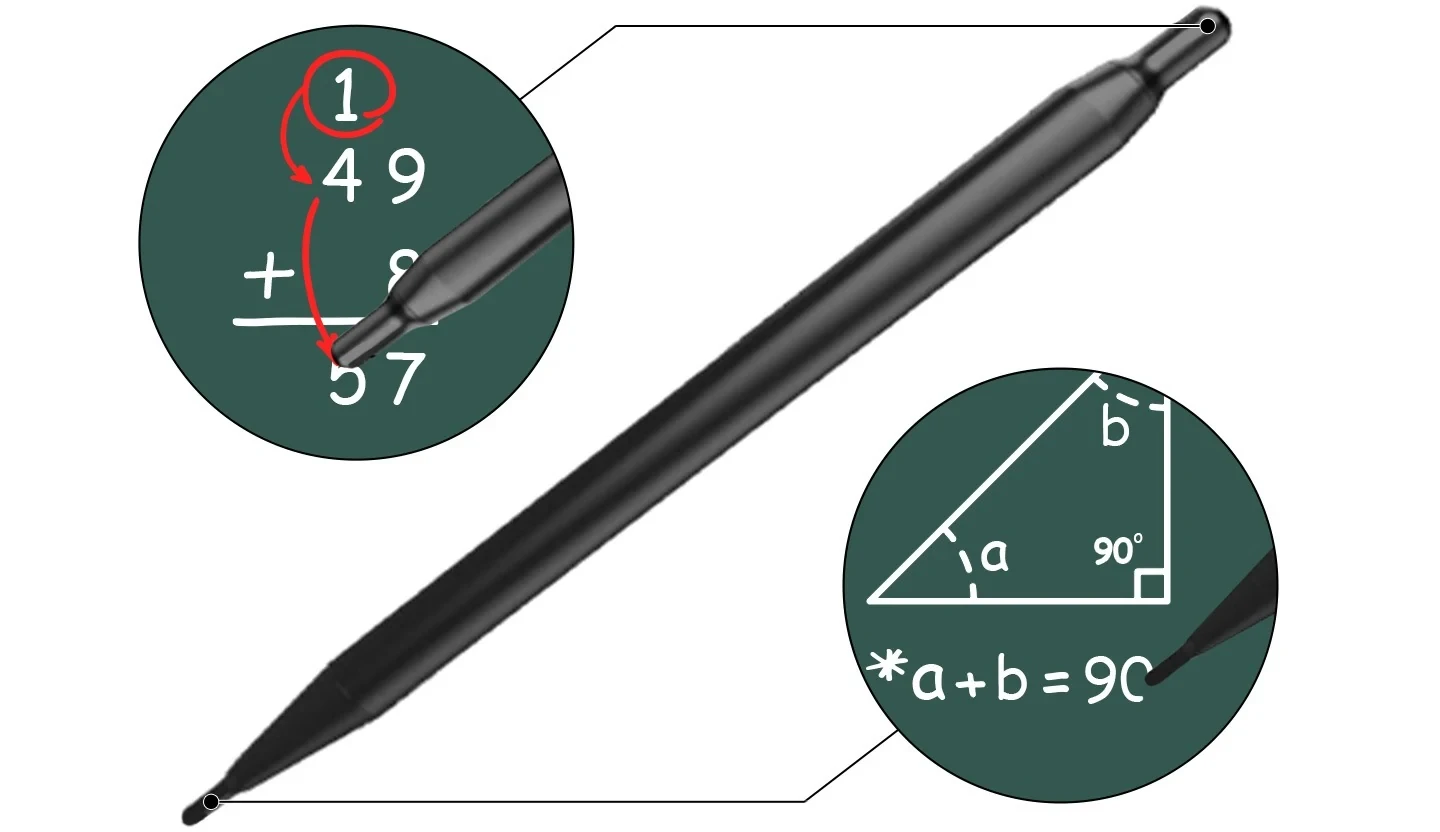
Switch pens without changing settings
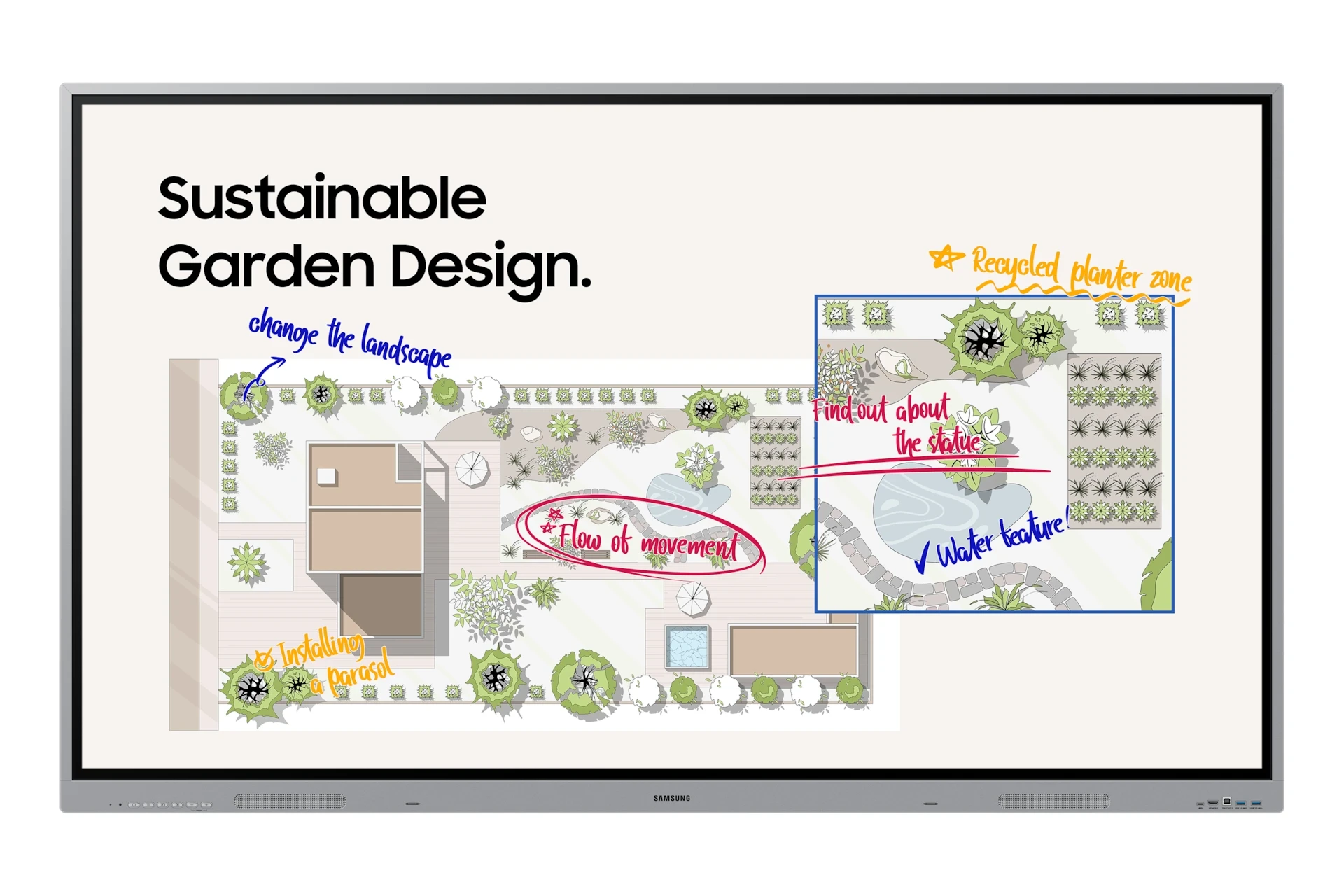
Two different writing tools can be used at the same time with the dual pen function. Thanks to the double-sided nib applied, users can effortlessly switch between two different colors on the front and back side of the pen – without needing to change the settings or interrupt their flow.
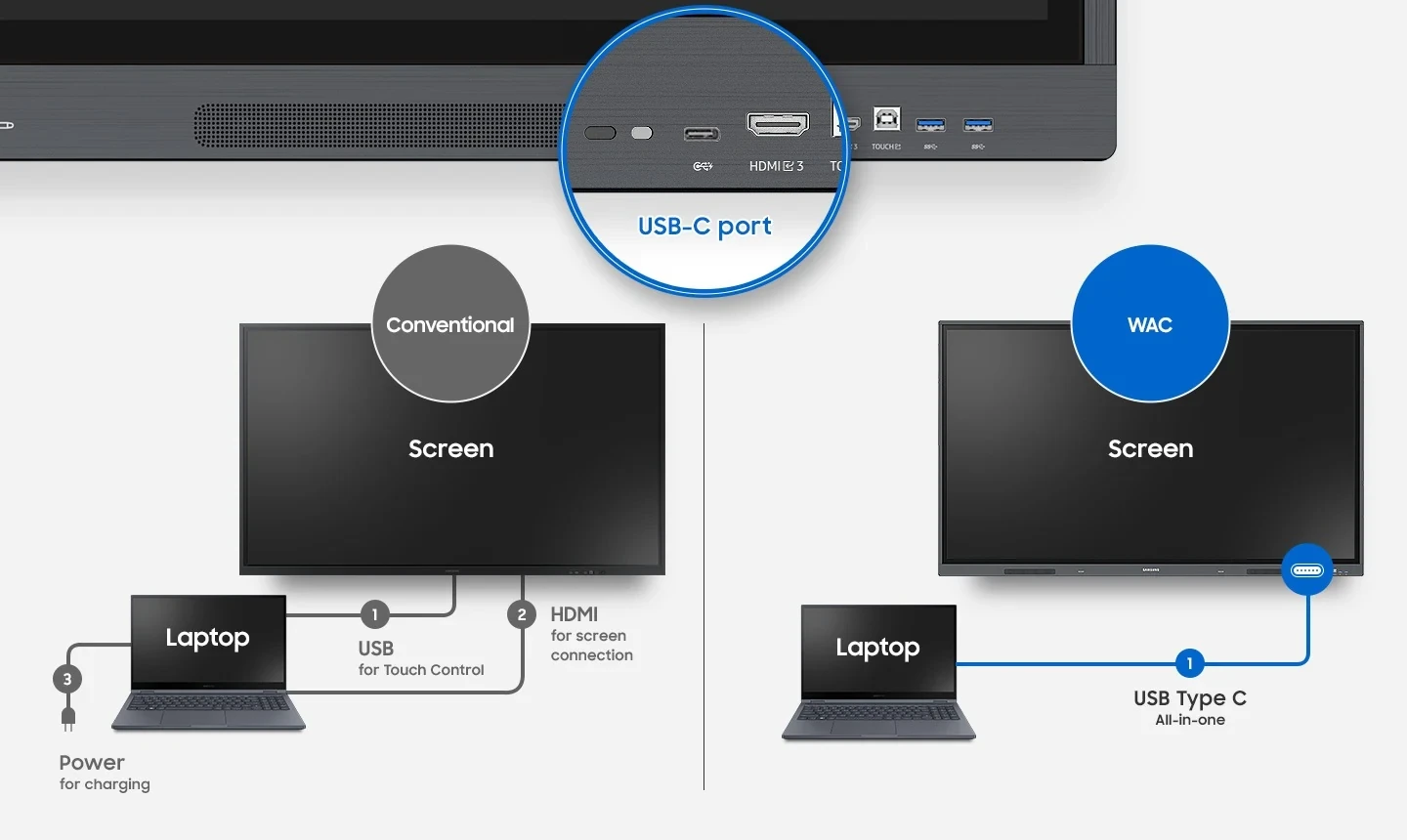
Lessons start quickly with USB-C
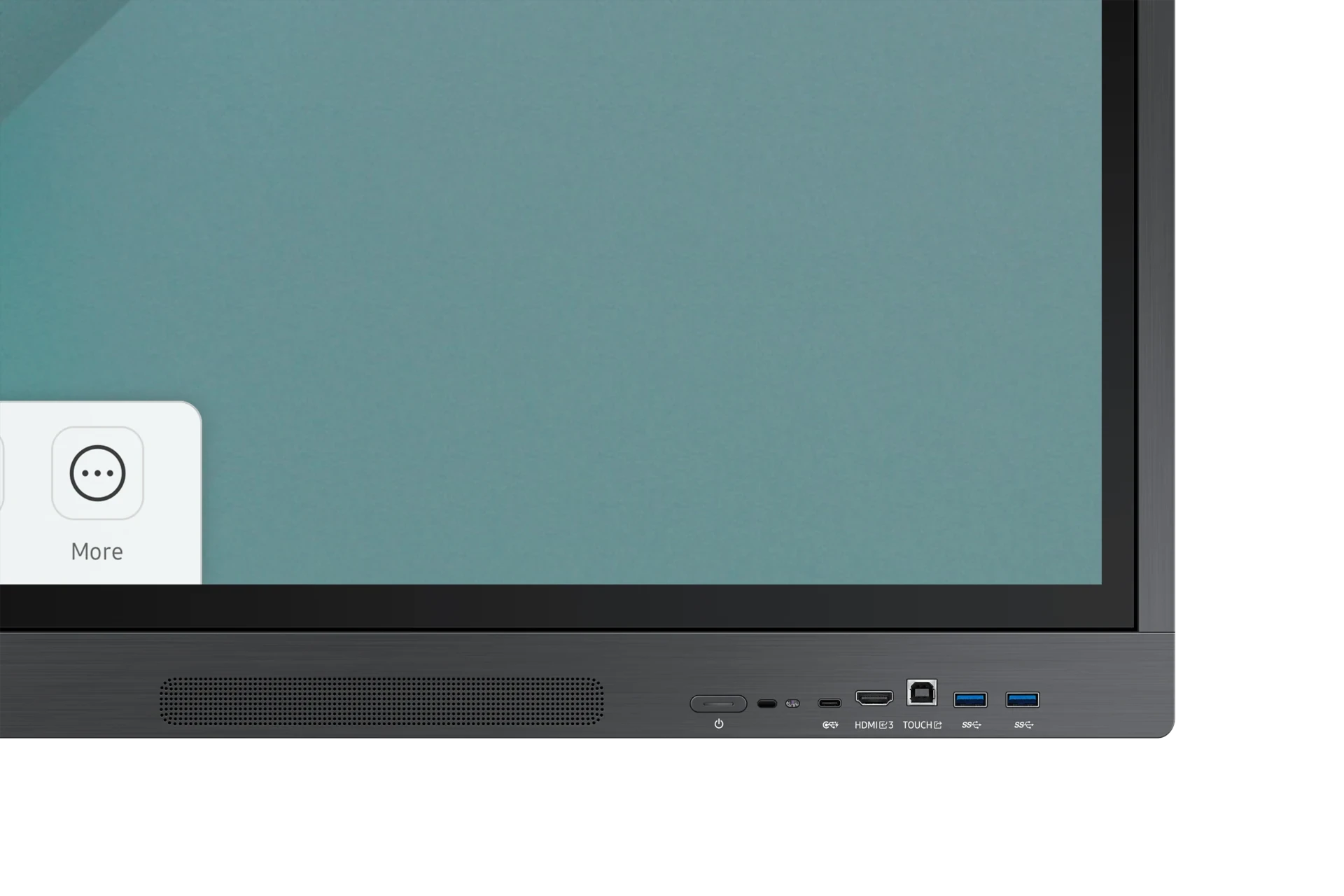
Connectivity is enhanced with 3-in-1 USB-C connectivity, enabling screen mirroring, touch control and external device charging(max. 65W). Educators can simply connect to the USB Type-C port, allowing them to deliver interactive and engaging lessons without any hassle.
* When compared to WMA(Flip3) models.

Accessible content for any class size
With the HDMI out function, whiteboard screen content can be shared on another larger screen in the classroom. This feature ensures teachers can provide a real-time, interactive experience for students who can easily view the screen’s contents regardless of the classroom size or where they sit.
* "HDMI out" supports FHD/UHD 60Hz
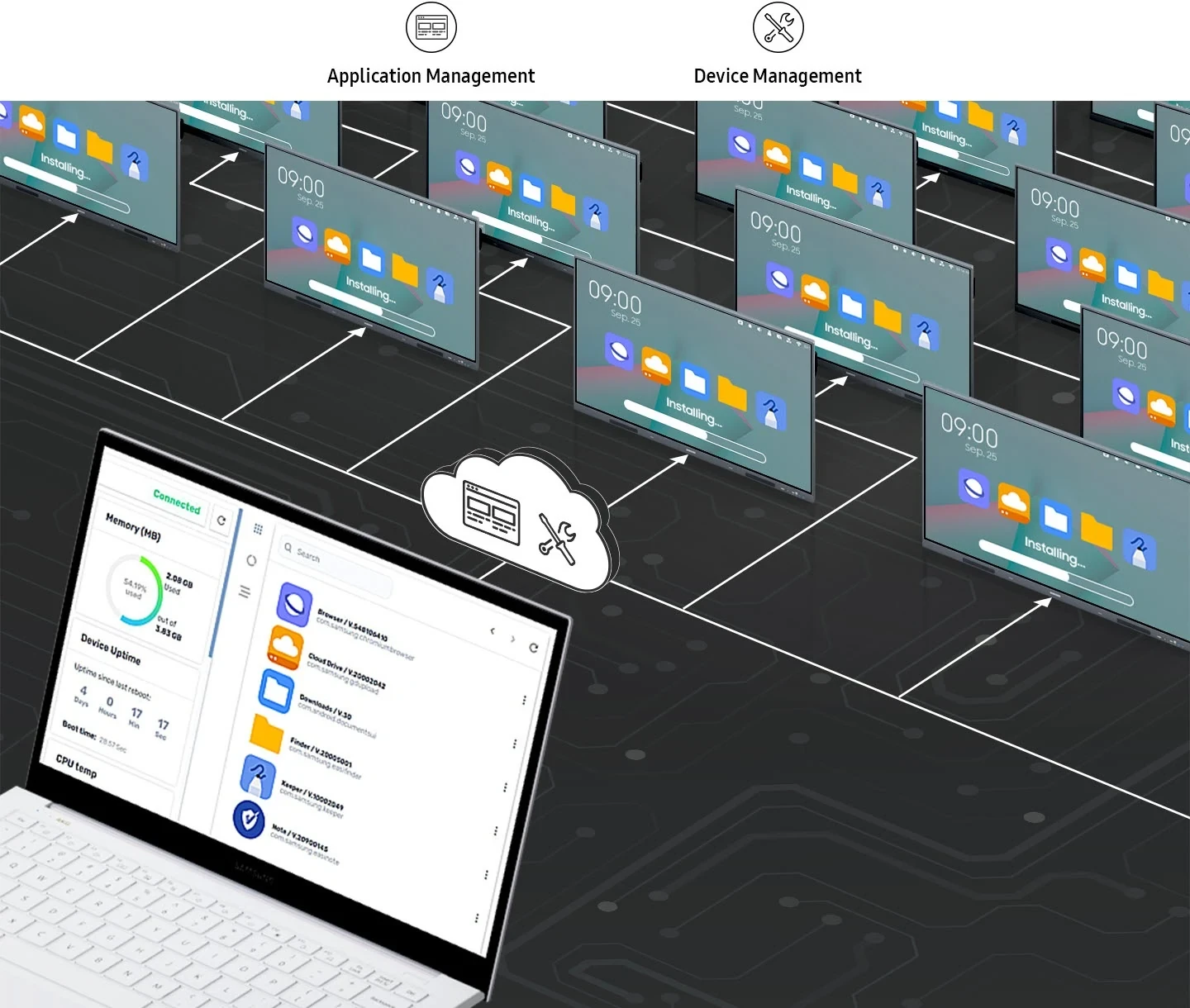
Sorunsuz yönetim, verimli operasyonlar
WAC serisi, Radix tarafından desteklenen ve ileri seviye eğitim ortamları için gerekli olan bir cihaz yönetim çözümü* sunar. Bu çözüm, tahta ve uygulama ayarlarının uzaktan yönetimini optimize ederek operasyonel verimliliği ve kararlılığı güvence altına alır.
*Bu DMS çözümü bir yıl boyunca ücretsiz olarak desteklenir. Ancak fiyatlandırma, Radix’in politikalarına bağlı olarak değişebilir. Daha fazla bilgi için lütfen yerel yöneticinizle iletişime geçin. *Görüntüler, gerçek UX/kullanıcı arayüzünden farklı olabilir.
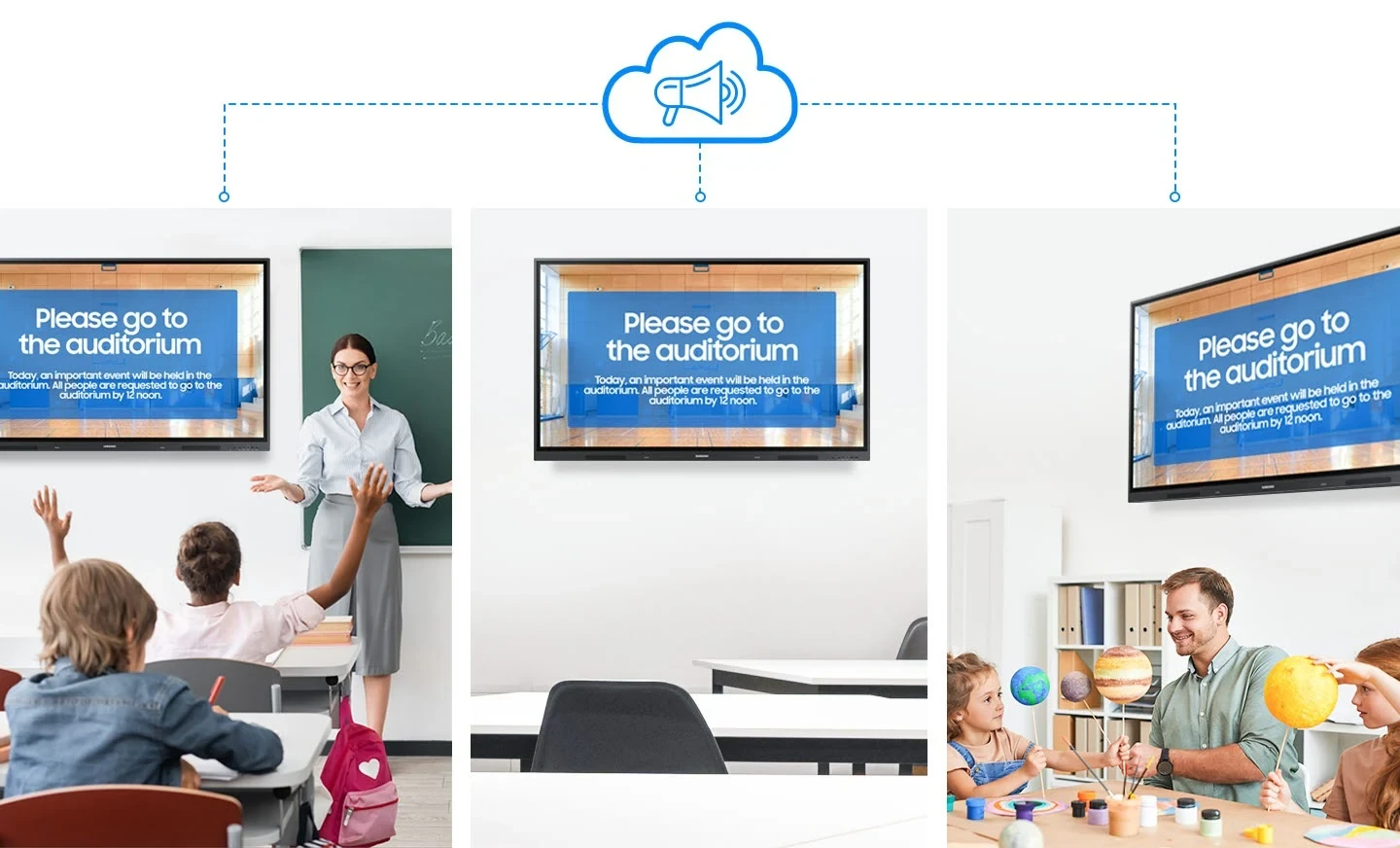
Birden çok cihaz arasında anında iletişim kurun
Kampüsler, sınıflar ve kamusal alanlar arasında önemli mesajları anında gönderin. Acil iletişim içerikleri artık interaktif tahtalarda görüntülenmektedir, bu sayede öğrenciler ve personel gerçek zamanlı olarak gelişmelerden haberdar olabilir.
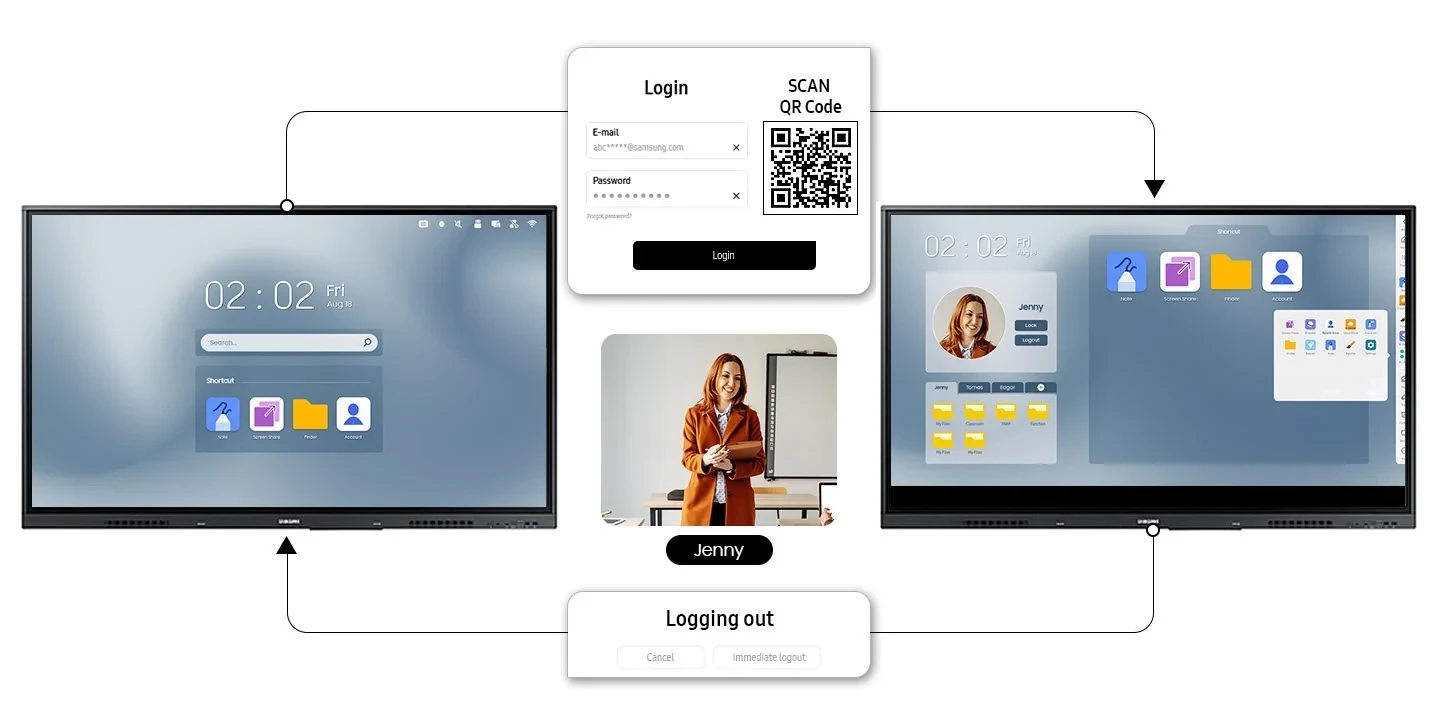
Kişiselleştirilmiş tahtalar, herkes için ve her yerde
Bulut tabanlı hesap desteği, veri güvenliğini güçlendirirken kişiselleştirilmiş bir kullanıcı deneyimi sunar. Öğretmenler artık bir QR kodu vasıtasıyla hesaplarına giriş yapabilir ve her yerden, herhangi bir WAC ürünü üzerinden benzer sınıf ayarlarına erişebilir. Hesaptan çıkış yapıldığında ise tüm uygulamalar kapatılır ve tüm kişisel dosyalar ile ayarlar silinir ancak bulut teknolojisi sayesinde tüm bunlara tekrar erişmek kolaydır.
* Gösterilen resim gerçek UX/kullanıcı arayüzünden farklı olabilir.
Choose size / model
Model code: LH65WACWLGCXEN
General product specifications
- Resolution 3,840 x 2,160
- Brightness 400 nit
- Contrast Ratio 1,200:1
- Operation Time Support 12/7
- OS Version Android-11
- Touch Technology IR